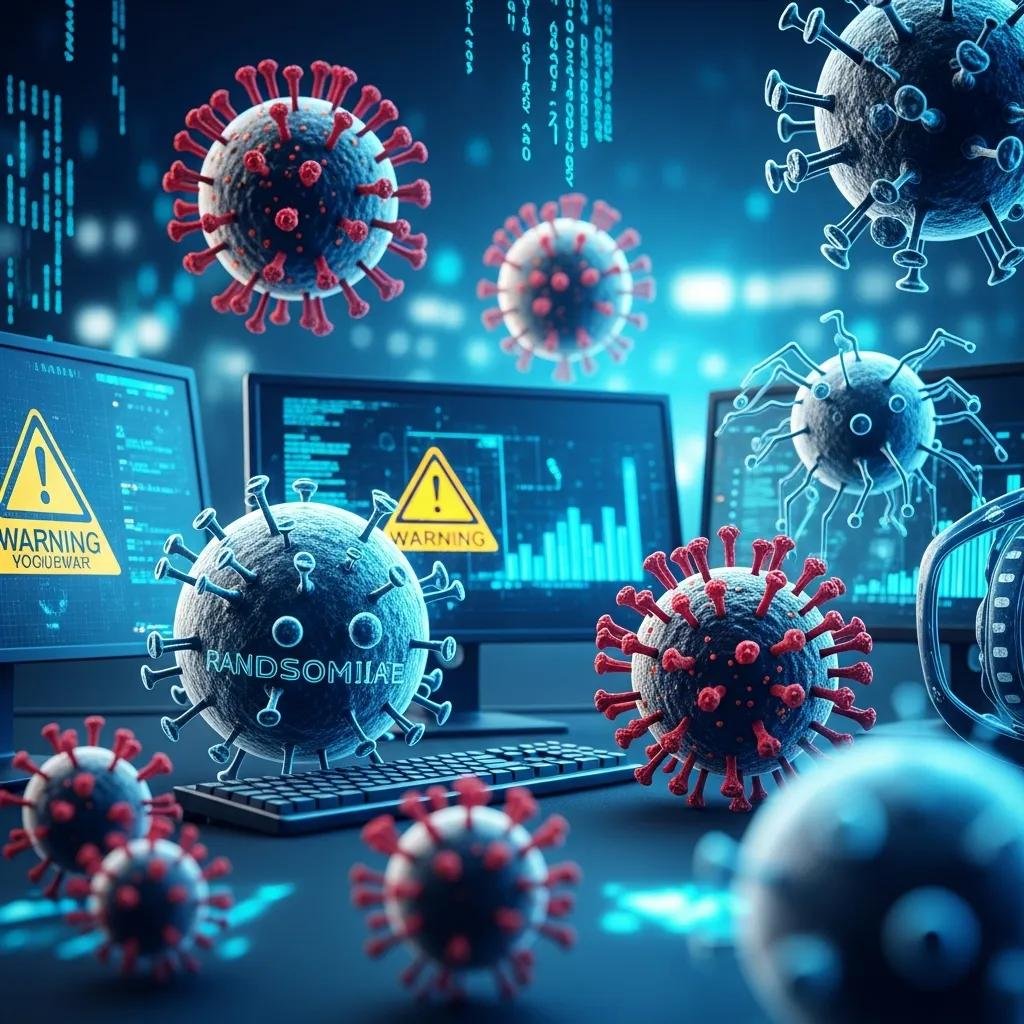
Types of Malware: Viruses, Ransomware, Spyware & More Explained for Effective Protection
Malware is any malicious software designed to damage, disrupt, or steal from digital systems, and understanding its types is the first step toward effective protection. This guide explains how different families — from self-replicating viruses to stealthy spyware and extortion-focused ransomware — operate, what harm they cause, and practical steps to detect and respond. Readers will learn clear distinctions between common categories, real-world infection vectors, and immediate triage actions to limit damage. The article then dives into spyware mechanics and detection clues, explains Trojan social-engineering techniques and prevention best practices, and closes with hands-on advice for identifying and preventing common virus types. Throughout, you’ll find quick-reference tables, checklists for rapid triage, and targeted recommendations that help you decide when to handle an incident yourself and when to seek professional remote support.
What Are the Main Types of Malware and How Do They Differ?
Malware is an umbrella term for software that performs unauthorized actions on devices; each type differs by purpose, persistence mechanism, and attack vector. Viruses typically modify or attach to files and replicate when the host executes them, ransomware encrypts data to demand payment through an encryption routine, spyware exfiltrates credentials and usage data via keylogging or browser monitoring, and Trojans disguise malicious payloads inside legitimate-looking software. Understanding these functional distinctions helps you prioritize detection and containment actions based on whether the goal is theft, disruption, or persistence.
The following compact table summarizes the most common types and immediate user actions to take when suspecting each.
| Malware Category | Key Characteristics | Typical Impact / Immediate Action |
|---|---|---|
| Virus | Self-replicates by infecting files or boot records | Corrupted files; isolate device and scan offline |
| Ransomware | Encrypts files, may exfiltrate data for extortion | Disconnect network, preserve backups, seek specialist help |
| Spyware | Stealthy data exfiltration (keylogging, screenshots) | Limit accounts, run targeted scans, change credentials |
| Trojan | Disguised payload that opens backdoors or RATs | Remove installed app, audit privileged accounts |
| Worm | Network-propagating, exploits vulnerabilities | Segment network, patch, scan for lateral movement |
| Adware | Unwanted ads, tracking modules | Remove PUPs, reset browser settings |
| Rootkit | Kernel-level persistence mechanism | High-level forensics often required; consult specialists |
| Cryptojacking | Uses CPU/GPU to mine cryptocurrency | Kill processes, update software, scan for miners |
| Botnet | Command-and-control connected devices | Block C2 channels, isolate infected hosts |
To triage a suspected compromise efficiently, prioritize isolation and preservation of evidence first; for complex cases like irreversible encryption or deep persistence, professional remote remediation can shorten recovery. mcHelper.com provides remote support for Virus and Spyware Removal and Computer and Internet Security, offering 24/7 remote assistance and a ‘No Fix – No Fee’ guarantee for cases that require expert removal.
How Is a Computer Virus Defined and What Are Its Common Types?
A computer virus is malicious code that attaches to host files or boot sectors and spreads when the infected component is executed, altering or corrupting data through replication mechanisms. Common virus subtypes include file infectors that modify executables, boot-sector viruses that load during system start, and macro viruses that exploit document macros to infect office files; each subtype targets a different persistence point. Infection vectors typically include opening infected attachments, executing compromised installers, or using infected removable media. Immediate user actions are to disconnect the affected device, avoid running unknown files, and use reputable offline scanners to attempt removal before restoring from a known-good backup. Understanding these behavior patterns helps select the right detection tool and containment strategy.
What Distinguishes Ransomware from Other Malware Types?
Ransomware’s defining mechanism is strong encryption of user data combined with an extortion demand, which distinguishes it from theft-focused spyware or persistence-focused rootkits. Ransomware often includes an encryption routine that scrambles files and may include multi-extortion tactics such as data exfiltration and public shaming; recent trends in 2024 emphasize AI-assisted targeting and double-extortion campaigns. Immediate steps for suspected ransomware are to isolate affected systems, preserve backups and logs, and avoid paying without consulting incident-response experts because payment does not guarantee full recovery. When encryption is irreversible or multiple systems are affected, consult professional remote remediation to assess restoration options and reduce future exposure.
How Does Spyware Operate and What Are Its Key Characteristics?

Spyware operates by covertly collecting information—such as keystrokes, browser history, screenshots, or microphone/camera access—and exfiltrating that data back to an attacker, often using persistence mechanisms to survive reboots. It typically uses modules like keylogging components, browser-monitoring plugins, and network exfiltration routines to harvest credentials and personal data. Infection vectors include bundled installers, malicious links in phishing messages, and compromised downloads where the spyware piggybacks on otherwise legitimate software. Detecting spyware requires attention to device behavior, network activity, and unusual permission requests, followed by targeted scanning and credential resets when a compromise is confirmed. Effective removal preserves evidence and limits credential exposure while preventing re-infection through stronger patching and least-privilege controls.
Before the detection checklist, here is a concise mapping of common spyware subtypes to what they steal and a detection clue you can watch for.
| Spyware Subtype | What It Steals | Detection Clue |
|---|---|---|
| Keylogger | Typed credentials and messages | Unexplained credential reuse or odd logins |
| Credential stealer | Browser-stored passwords | New accounts accessed from unfamiliar IPs |
| Ad-injector | Browsing behavior for monetization | Unexpected browser popups or redirects |
| Remote monitoring (RAT) | Screenshots, audio, camera | Camera/mic activation indicators, odd processes |
| Form grabber | Payment and form submissions | Unexplained transactions or unusual form data leakage |
What Are the Signs of Spyware Infection on Your Device?
Spyware infections often present through a handful of observable signs that provide early warning for triage and scanning. Common indicators include persistent battery drain and thermal spikes due to background processes, unusual network traffic to unknown endpoints, frequent browser redirects or popups, and the presence of unfamiliar user accounts or scheduled tasks. Privacy indicators such as sporadic camera or microphone activation without user input or new saved credentials appearing in account access logs are strong red flags. If you observe these signs, immediately disconnect network access, document symptoms, and run reputable anti-malware tools in safe mode to limit further data exfiltration. Prompt action helps reduce the window attackers have to harvest sensitive information.
How Can You Detect and Remove Spyware Effectively?
Detecting and removing spyware requires a structured approach that emphasizes containment, evidence preservation, and careful scanning with trusted tools. Start by isolating the device from networks, backing up essential data to offline media if safe, and booting into a clean environment or safe mode to perform scans with up-to-date anti-malware tools. Use behavioral and signature-based scanners to identify known modules and remove them, then rotate all passwords and enable multi-factor authentication where possible to mitigate credential exposure. If the spyware includes deep persistence or vehicle-specific rootkit components, escalate to professional remediation to ensure complete removal and forensic assessment. Following removal, harden systems by patching software, removing unnecessary privileges, and educating users about phishing and bundled installers to prevent re-infection.
What Is Trojan Horse Malware and How Does It Threaten Your Security?

A Trojan horse is malware that disguises itself as legitimate software or content to trick users into installing a harmful payload, often enabling backdoors, credential theft, or remote access trojans (RATs). The core mechanism is deception: an attacker leverages social engineering and plausible packaging to gain execution, after which the Trojan can deploy modules for data exfiltration, lateral movement, or persistent access. The risk from Trojans is high because they depend on user action and can bypass perimeter defenses by operating with the user’s privileges, enabling attackers to pivot within a network. Preventing Trojan-based compromises focuses on verifying sources, restricting administrative rights, and using endpoint protection to catch suspicious installers before they run. Understanding the psychology behind these lures makes it easier to resist them.
How Do Trojan Horses Use Social Engineering to Infect Systems?
Trojans rely heavily on social engineering tactics that manipulate user trust, urgency, or curiosity to prompt installation and execution. Common lures include malicious email attachments disguised as invoices, fake software updates that claim to fix urgent issues, and pirated or “cracked” installers bundled with hidden payloads; each tactic exploits normal user workflows. Psychological triggers such as authority (appearing to come from a trusted vendor), urgency (warnings about account suspension), and incentive (promises of free software) increase the likelihood of user action. To resist these lures, verify sender identities, check digital signatures where available, and avoid running executables from unknown sources; when in doubt, consult IT or a security professional. These verification steps reduce the chance that a seemingly innocent file will open a backdoor into your environment.
What Are Best Practices to Protect Against Trojan Attacks?
Defensive best practices against Trojans combine process controls, software hygiene, and user education to reduce successful deception and limit damage. Keep operating systems and applications patched to remove exploit windows, download software only from verified vendors, and enable principle-of-least-privilege so users run with non-admin accounts for routine tasks. Use reputable endpoint protection with behavioral detection to block suspicious installers and consider application allowlisting for critical systems to prevent unapproved code from executing. Regular backups and incident response plans ensure you can recover quickly if a Trojan does succeed in delivering a destructive payload. Together, these measures create layered defenses that make Trojan deployment and persistence substantially harder for attackers.
How Can You Identify and Prevent Common Computer Virus Types?
Identifying and preventing common viruses combines awareness of typical infection vectors, immediate triage steps, and consistent preventative hygiene to reduce infection likelihood and recovery time. Typical vectors include email attachments and malicious links, infected executables from untrusted downloads, and removable media carrying payloads into otherwise isolated devices. Immediate triage actions are clear: isolate the device, disconnect from networks, run a full offline scan with updated signatures, and restore any corrupted files from verified backups. Long-term prevention emphasizes patch management, strong endpoint protection, user training against phishing, and regular backups to reduce the leverage of destructive malware. The following table maps common threats to vectors and rapid response steps to help you act quickly.
Common infection vectors deserve focused attention because they offer repeatable, preventable entry points.
| Threat | Common Infection Vectors | Immediate Prevention/Response |
|---|---|---|
| File-infecting viruses | Attachments, downloaded executables | Isolate device, run offline scanner, restore from clean backup |
| Boot-sector viruses | Infected removable media | Do not boot from unknown drives; scan and reimage if needed |
| Macro viruses | Office document macros from email | Disable macros by default; scan attachments first |
| Worms | Exploited network services | Patch vulnerable services, segment networks, block propagation |
| Drive-by downloads | Compromised websites | Use updated browsers, content blockers, and endpoint protection |
What Are Typical Infection Vectors for Computer Viruses?
Virus infection vectors are predictable and usually exploit common user behaviors or unpatched services to gain execution. The most common include email attachments and malicious links that rely on social engineering to prompt opening, infected executables from untrusted download sites or peer-to-peer sources, drive-by downloads from compromised web pages that exploit browser or plugin flaws, and removable media like USB drives that carry payloads between systems. Each vector has a practical defensive response: scan attachments before opening, verify digital signatures on installers, keep browsers and plugins updated, and disable auto-run for external media. Awareness and small process changes at the user level dramatically lower the risk of initial compromise and subsequent spread.
How Does mcHelper.com Provide Virus Removal and Protection Services?
mcHelper.com offers remote computer repair and tech support for both Mac and Windows platforms, with explicit Virus and Spyware Removal and Computer and Internet Security services delivered via remote assistance. Their support model emphasizes fast, secure, and reliable remote remediation available 24/7, and they back work with a ‘No Fix – No Fee’ guarantee to align outcomes with customer expectations. For clients who prefer ongoing coverage, mcHelper.com provides an annual support package priced at $199.99 that bundles remote assistance and security guidance to help prevent future incidents. If a device shows signs of irreversible encryption, rootkit persistence, or other high-impact compromises, mcHelper.com is positioned as an option for remote remediation and continuous support.
- Isolate affected systems: Disconnect network interfaces immediately to prevent lateral spread.
- Preserve backups and logs: Secure evidence for recovery and forensic analysis.
- Use reputable scanners: Run signature and behavioral scans from a clean environment.
- Consult professionals for deep threats: Engage specialists for rootkits, ransomware, or multi-system incidents.
These steps create a repeatable triage workflow that reduces damage and clarifies whether in-house tools suffice or professional remote support is needed.