McHelper vs. Geek Squad Remote Repair: Which Online Tech Support Service Offers the Best Value in 2025?
Remote computer repair compares two approaches to the same problem: fast software remediation without physical device transport versus mixed models that combine remote assistance with brick-and-mortar or in-home options. This article evaluates remote-only services and conventional retail-backed models on the core deciding factors of price, availability, coverage, and security so you can choose the best remote repair option in 2025. Readers will learn how delivery models affect response time and escalation pathways, how malware removal and data recovery differ by delivery scope, and which pricing structures make the most sense for different usage patterns. The analysis uses practical scenarios, cost comparisons, and explicit service facts where provided to keep recommendations grounded in verifiable details. We’ll examine remote session security controls and give actionable guidance for protecting privacy during any remote diagnostic or remediation session. Finally, the piece compares annual flat-fee support versus membership or per-incident approaches to identify when a $199.99 annual plan is likely to save money for typical users.
What Are the Key Differences Between McHelper and Geek Squad Remote Repair Services?
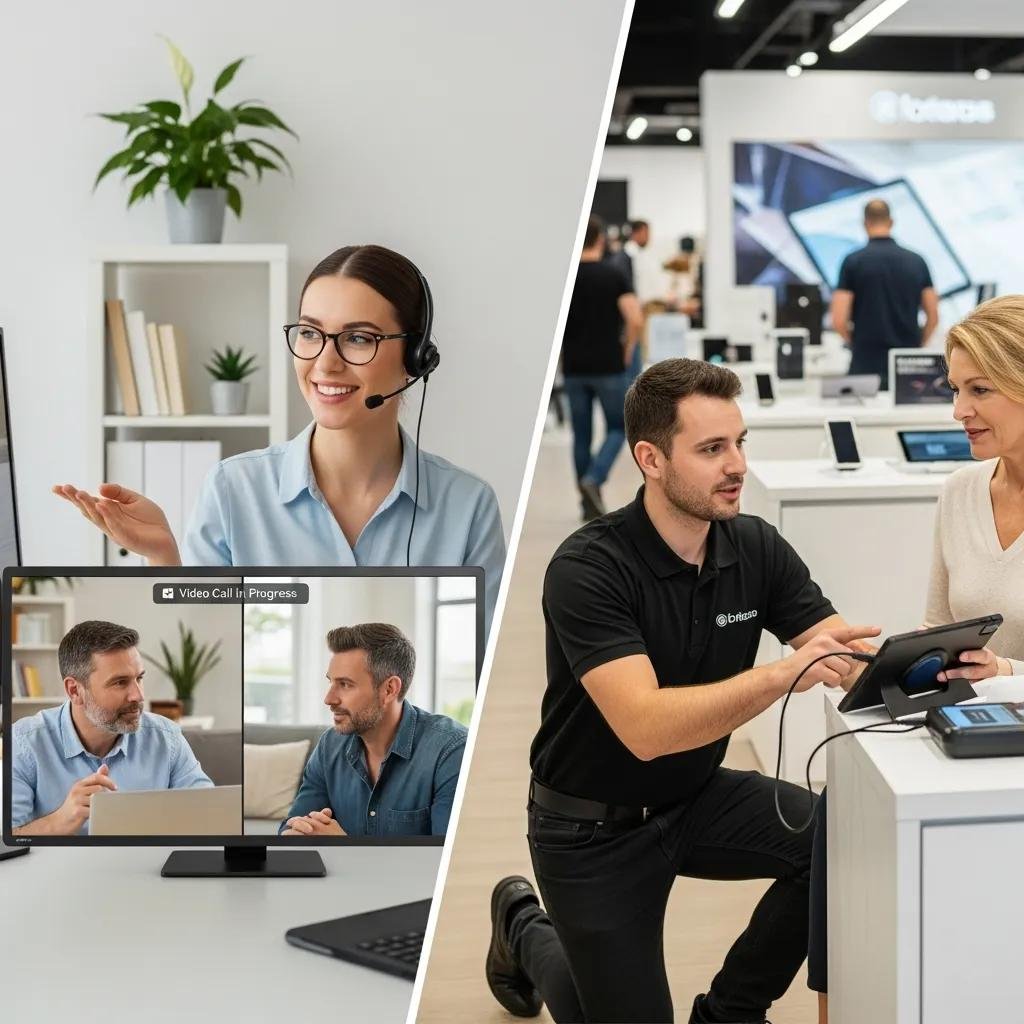
This section defines the principal differentiators between a remote-only specialist and conventional providers that blend remote, in-store, and in-home options. Delivery model, hours of availability, guarantees, platform coverage, and pricing approach drive differences in convenience, escalation, and perceived risk, and understanding each attribute clarifies which model fits specific problems. The comparison below lists top differences and then provides a concise feature table for quick scanning. Read the brief summary first to capture the highest-impact contrasts before reviewing specific trade-offs in the following subsections.
McHelper’s published attributes emphasize continuous remote availability, a remote-only delivery model, platform parity for Mac and Windows, an explicit “No Fix – No Fee” guarantee, and an annual remote support package priced at $199.99. Conventional retail-based providers typically offer mixed delivery options (remote plus in-store or in-home), scheduled support hours with some after-hours options, and membership or per-incident pricing models rather than a single advertised annual remote-only plan. These core contrasts affect speed of access, routing of hardware issues, and the financial risk for customers.
This compact comparison highlights the three most important differences: a remote-only 24/7 model versus mixed delivery, a “No Fix – No Fee” guarantee versus conventional per-incident billing, and an explicit annual remote package price versus membership/per-incident cost structures.
Different providers present these characteristics side-by-side for quick evaluation.
| Feature | McHelper (remote specialist) | Conventional retail-based provider |
|---|---|---|
| Availability | 24/7/365 remote support | Scheduled/reserved hours with some after-hours options |
| Delivery model | Remote-only sessions and diagnostics | Remote plus in-store and in-home escalation |
| Guarantee & pricing | “No Fix – No Fee”; annual support package $199.99 | Memberships or per-incident fees; variable guarantees |
How Does McHelper's 24/7 Remote-Only Support Compare to Geek Squad's Service Options?
McHelper’s 24/7/365 remote-first approach prioritizes immediate access to technicians by eliminating travel time and scheduling constraints, which typically reduces time-to-first-response for software and configuration issues. This model works best when problems are software-related — like malware, system optimization, or OS restoration — because technicians can run diagnostics and remediate remotely without physical access. By contrast, providers that combine remote and in-person services offer a path to hands-on hardware repair or physical data recovery when remote tools cannot complete remediation, but those options necessarily introduce scheduling and transit delays. For urgent software-only incidents occurring outside normal retail hours, continuous remote access provides clear speed advantages, while mixed models remain preferable for hardware failures or complex forensic recovery that require physical intervention.
What Unique Guarantees and Pricing Models Do McHelper and Geek Squad Offer?
McHelper publishes a “No Fix – No Fee” guarantee and an annual remote support package priced at $199.99, which reduces financial risk for customers who need frequent or unpredictable remote assistance. The “No Fix – No Fee” statement shifts downside risk away from the customer for qualifying remote repairs by removing payment obligations when a remote fix is not achieved. Conventional membership or per-incident structures, commonly used by retail-based providers, trade a broader service scope and in-person options for potentially higher single-incident costs and variable guarantees. When evaluating value, customers should consider both likelihood of recurring issues and the potential need for in-person escalation; predictable, software-focused support needs often favor a flat annual remote package, while mixed hardware/software risk profiles may justify a broader membership despite higher marginal costs.
How Do McHelper and Geek Squad Compare in Virus Removal and Data Recovery Services?
Remote virus removal services focus on diagnosing and eliminating software-based threats, restoring system stability, and advising on post-incident hardening; data recovery scope varies depending on whether the storage is logically accessible or requires hardware intervention. For many malware and soft-degradation cases, remote remediation can remove malicious processes, clean registries, and restore operating system files quickly, while complex physical drive failures or severe file system corruption often require hands-on recovery techniques that cannot be completed remotely. Understanding these limits helps users choose the right initial support channel and set expectations for turnaround and escalation costs.
| Service Area | Delivery & Scope | Typical Escalation |
|---|---|---|
| Virus & spyware removal | Remote remediation for software infections; real-time scanning, cleanup, and OS file repair | Escalate to in-person service only when remote tools cannot access or repair system components |
| Data recovery (logical) | Remote tools can recover deleted files and restore backups when storage remains accessible | Escalate to hardware recovery when drives fail mechanically or require forensic techniques |
| System restoration | Remote OS repair, reinstall, and configuration rollback for software-caused failures | In-person depot or hardware work when persistent hardware faults exist |
What Are the Benefits of McHelper's Remote Virus Removal Service?

Remote virus removal delivers speed and convenience by allowing technicians to begin remediation immediately without travel or appointments, which often reduces downtime for individual users and small teams. For software-based infections, remote sessions enable technicians to run live scans, quarantine threats, repair operating system components, and apply patches or configuration changes within a single session. McHelper’s combination of 24/7 availability and a “No Fix – No Fee” guarantee reduces the financial and time risk for customers seeking remote malware remediation, making it easier to seek help promptly. Prompt, remote cleanup also lowers the chance of lateral spread on networks and provides faster recovery paths than waiting for in-person appointments, though very severe or hardware-compromised systems may still require escalation.
How Does Geek Squad's Virus Removal and Data Recovery Differ in Scope and Delivery?
Providers that pair remote support with in-store or depot services can offer a wider array of hands-on recovery techniques, including physical drive extraction and advanced hardware repair that remote-only vendors cannot perform. Those in-person pathways benefit data recovery scenarios requiring mechanical drive intervention or specialized imaging equipment, where remote access is insufficient to recover data. The trade-off is that hands-on escalation introduces scheduling and shipping delays as devices move through physical workflows, and costs may increase to cover parts and labor. Users should expect that mixed-delivery providers provide fuller end-to-end recovery options for hardware failures, while remote-only services prioritize immediate software remediation and triage before recommending physical recovery.
Is Remote Computer Repair Safe and Secure with McHelper Compared to Geek Squad?
Remote computer repair can be safe and secure when providers implement encryption, session controls, and transparent permissioning; however, security depends heavily on the session tools, company policies, and user behavior during a session. Encryption protects data transmitted during a remote diagnostic session, session monitoring or recording provides auditability, and user-controlled permissioning ensures that technicians act only with explicit consent. Comparing a remote-only specialist to a mixed-delivery provider, the primary security trade-offs center on session scope and chain-of-custody for hardware: remote-only sessions emphasize live-control safeguards, while in-person workflows add physical custody protocols that must be audited.
Remote-only service delivery gives users direct oversight of the technician’s access during a session, which simplifies the trust model when proper controls are in place. For readers evaluating providers, verify that remote sessions require explicit user approval to install access tools and that sessions can be terminated at any time. Confirming encryption and session logging practices reduces privacy risk, and treating remote remediation like any privileged operation—closing sensitive documents, disabling remote access to passwords, and having backups—further secures the process.
- Common security measures to look for during remote sessions include session encryption, user-initiated access approval, and granular permission controls.
- Session recording or logging provides an audit trail that supports post-incident review and accountability.
- Best practices for users are to close personal files, disconnect external drives unless needed, and confirm what the technician will access before granting permissions.
What Security Measures Does McHelper Use to Protect Customer Privacy?
McHelper’s explicit service attributes include a remote-only delivery model and a user-facing guarantee structure, and those published facts imply a support flow focused on remote session controls and continuous availability for software remediation. Specific technical controls such as encryption or session recording are standard best practices in responsible remote support and should be confirmed with any provider before a session begins; readers are advised to verify those controls with the vendor. Users can protect privacy during any remote session by maintaining local backups, closing sensitive files, and only granting the minimum required permissions for remediation tasks. Asking the technician to explain each step and keeping a monitoring presence during the session further reduces risk and improves transparency.
How Does Geek Squad Ensure Trust and Security in Their Remote Support?
Conventional providers that combine remote and in-person options add physical verification and chain-of-custody procedures for hardware that complement remote session safeguards, which can enhance trust for complex recoveries requiring device handling. Physical intake processes, in-store identity verification, and depot tracking create traceable custody records for devices that must be repaired or shipped, and those measures are valuable for customers concerned about hardware integrity and accountability. Regardless of model, readers should confirm a provider’s encryption standards, session permissioning, and custody controls before engaging services to ensure the chosen workflow matches their security and privacy expectations.
Which Remote Tech Support Service Offers Better Value: McHelper's Annual Plan or Geek Squad's Membership?
Value depends on expected frequency of incidents, the types of problems most commonly encountered (software vs hardware), and tolerance for scheduling delays. An annual remote plan with a fixed price suits users who anticipate recurring software issues, seek predictable budget impact, and prioritize quick remote access. Conversely, membership or per-incident approaches may be preferable when hardware repair, in-person servicing, or bundled retail services are frequently required. Comparing a flat $199.99 annual remote package to typical per-incident fees shows that even a modest number of remote incidents per year often justifies the annual cost for users who value convenience and predictable expense.
| Pricing Model | Typical Characteristics | Example Scenario |
|---|---|---|
| Annual remote plan | Fixed fee for remote support access; reduced marginal cost per incident | $199.99 annual plan covers many remote-only incidents without additional per-incident charges |
| Membership/per-incident | Variable fees, includes in-person options and broader service scope | Higher per-incident charges for single visits, but in-person repairs included if needed |
| Hybrid use case | Mix of remote and occasional hardware repairs | Pay annual remote for quick fixes and per-incident for occasional hardware service |
How Does McHelper's $199.99 Annual Support Package Provide Cost Savings?
A $199.99 annual remote support package becomes cost-effective when a user expects multiple remote incidents per year or values rapid, out-of-hours access for software problems. For example, if a typical single remote incident would otherwise be billed as a per-incident visit at a rate that exceeds one-quarter of the annual fee, two to three incidents justify the flat plan financially. The annual plan also lowers the hesitation to seek prompt help for malware or OS issues, which can reduce downtime and prevent more expensive escalations. Readers should view this example as illustrative and confirm the plan’s exact scope and any exclusions before purchasing.
What Are the Costs and Benefits of Geek Squad's Total Tech Membership and Per-Incident Fees?
Membership and per-incident models trade predictable remote-only savings for broader coverage that includes hands-on repairs and retail services, which can be valuable for users who frequently require hardware fixes or in-person diagnostics. The main benefits are access to a wider range of services and in-person escalation paths, but the trade-offs include potentially higher single-incident fees and variable out-of-pocket costs for hardware components or depot labor. To choose wisely, match expected annual usage — frequency of software incidents versus likelihood of hardware failures — to the pricing model that minimizes total expected cost while delivering the necessary service scope and responsiveness.
- Evaluate your incident history: Tally the typical number of software incidents per year before choosing an annual plan or pay-per-incident model.
- Assess hardware risk: If you have aging devices likely to need hands-on repair, a membership that covers in-person work may save money.
- Prioritize response time: If immediate remote access matters more than in-person capability, an annual remote plan can provide disproportionate value.