How to Choose the Best Remote Tech Support Service for Your Needs: A Guide to Reliable Online Computer Repair
Choosing the right remote tech support service starts with understanding what “remote tech support” really means: secure, expert troubleshooting performed over the internet to diagnose and fix software, network, and system problems without an on-site visit. Selecting a provider correctly matters because a poor choice can expose your data, leave issues unresolved, or lead to unexpected costs; a well-chosen remote support partner improves uptime, security, and device performance. This guide teaches a practical tech support checklist for evaluating features, security and privacy safeguards, pricing models, and reputation signals so you can find reliable computer help for Mac or Windows devices. You will learn the essential capabilities top providers should offer, how to verify security controls like session encryption and access limits, how to compare subscription versus pay-per-fix pricing, and which review signals indicate trustworthy remote computer repair. Each H2 section below delivers actionable checks, compact comparison tables, and short lists you can use immediately when choosing a remote IT support plan or virtual computer repair provider.
What Are the Essential Features of the Best Remote Tech Support?
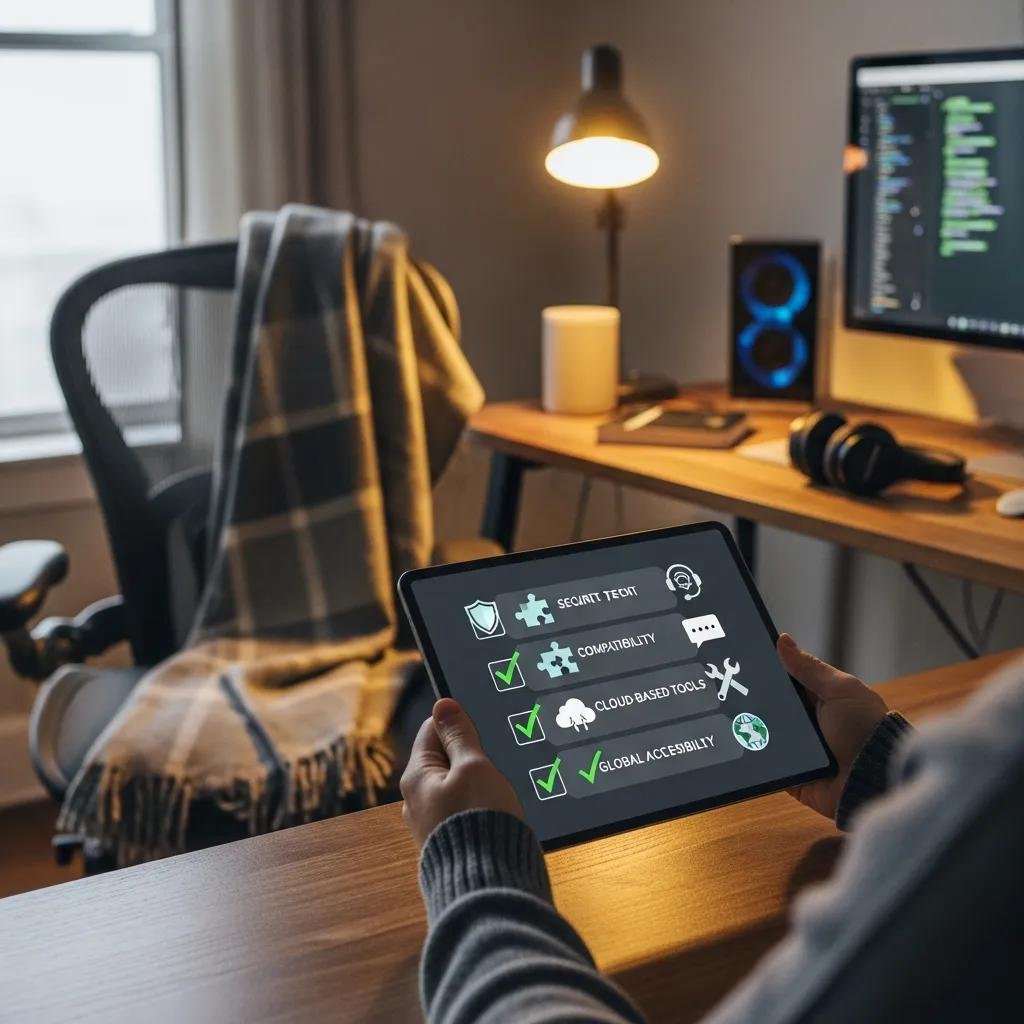
Remote tech support excels when it combines broad technical coverage, strong security, and transparent service terms; these features enable fast diagnosis, safe access, and predictable outcomes. Look for providers that support both Mac and Windows operating systems, offer virus and spyware removal, performance optimization, data recovery, VPN and home wireless network support, and clear SLAs defining response expectations. Confirm support tools such as vetted remote desktop clients, diagnostic toolkits, and session logging are used so troubleshooting is reproducible and auditable. The last sentence explains why these features matter when comparing real offers and leads into specific service examples you should verify with any candidate provider.
The following checklist highlights essential features to scan for quickly before deeper vetting:
- Broad OS compatibility and device support to avoid unexpected exclusions.
- Secure remote session tools with session tokens and logging for accountability.
- Defined response times or SLA elements that match your risk tolerance.
- Range of services including virus removal, optimization, and data recovery.
- Trust signals like transparent pricing, published policies, and guarantees.
These features form a practical tech support checklist you can use when contacting providers to compare capabilities and confirm claims.
Intro to verification table and quick checks before vendor comparison.
| Feature | Why It Matters | What to Check |
|---|---|---|
| OS & device compatibility | Ensures coverage for your hardware and software | Ask which Mac/Windows versions are supported |
| Remote access tools | Determines security and auditability of sessions | Request client names and session logging policies |
| SLA / availability | Sets expectations for response and resolution times | Verify documented response windows and escalation paths |
| Service range | Confirms ability to handle common and complex issues | Review list of services: malware removal, data recovery, network support |
This table helps you map feature claims to verifiable checks and prepares you for contract or plan comparisons.
Which Technical Services Should a Reliable Remote Support Provider Offer?
Reliable remote providers deliver a core suite of hyponym services—remote computer repair, virus & spyware removal, data recovery service—each resolving specific symptoms quickly and remotely. For example, virus removal addresses recurring pop-ups and slow performance by isolating and removing malicious processes, while performance optimization reduces boot and application load times through targeted cleanup and configuration. Data recovery services are important for accidental deletions or corrupted files and often begin with forensic disk imaging and safe extraction procedures. These concrete service examples show why a broad service range reduces vendor handoffs and speeds resolution.
These service capabilities connect directly to the next operational attribute: how 24/7 availability actually affects support outcomes and expectations.
How Does 24/7 Availability Impact Your Support Experience?
24/7 availability means a provider can accept incidents at any hour, which is essential for business continuity and urgent security events, though response time and resolution time are different commitments. In practice, continuous availability reduces time-to-first-contact for late-night malware outbreaks or after-hours outages, but you should verify whether 24/7 means live technician staffing or only ticket intake. Check published response commitments and staffing descriptions to understand whether you get immediate triage, scheduled follow-up, or full remote remediation at odd hours. Knowing this distinction helps set realistic expectations for mission-critical scenarios and informs SLA negotiation.
This practical distinction leads into security and privacy checks you must demand before granting remote access.
How to Evaluate Security and Privacy in Remote IT Support Services?
Evaluating security starts with a few prioritized checks that protect your system and data during remote repair: confirm session encryption, verify technician authorization and least-privilege access, and review data handling and retention policies. These measures work together to prevent unauthorized access, limit what technicians can see or change, and ensure session artifacts are retained only as needed. Ask for specifics such as the remote client in use, whether session tokens or one-time passwords are required, and how long logs are retained. The next paragraph lists concrete protocols and verification steps you can request to confirm safe online computer repair practices.
Practical prioritized checks for secure remote desktop support:
- End-to-end encryption: Confirm TLS/SSL or equivalent for remote sessions.
- Access control: Require temporary session keys and technician authentication.
- Data retention policy: Verify deletion or retention limits for session logs.
These checks form a quick “online PC repair security best practices” checklist to use during vendor screening.
| Security Measure | Implementation Example | User Assurance / Verification |
|---|---|---|
| Session encryption | TLS-based remote desktop client | Ask for encryption specs and client name |
| Least-privilege access | Temporary elevation for specific tasks | Confirm technician must request escalation each session |
| Session logging | Audit trail of commands and file transfers | Request sample log format and retention period |
This EAV-style table helps you translate abstract security claims into verifiable steps you can request before authorizing access.
What Security Protocols Ensure Safe Online Computer Repair?
Safe online computer repair relies on widely accepted protocols and operational practices such as TLS/SSL for session encryption, multi-factor authentication for technician access, and use of vetted remote access clients rather than ad-hoc screen sharing. Each protocol reduces distinct risks: encryption prevents network eavesdropping, MFA protects technician accounts from compromise, and vetted clients provide controlled permission scopes. Ask providers to describe how tokens or consent prompts are presented during sessions so you can verify that access is explicit and revocable. Confirming these protocols gives you measurable assurance before granting remote control.
These protocol verifications naturally lead to understanding how your data is handled and protected during and after sessions.
How Is Your Data Protected During Remote Tech Support Sessions?
Data protection during support sessions depends on transparent policies for logging, session recording, and retention, plus operational controls like restricting file transfer and ensuring user-visible consent steps before privileged actions. Practically, request explanations of what is logged, how recordings (if any) are stored, and the process for deleting session artifacts after closure. Before a session, back up critical data and plan to revoke remote access immediately after the technician confirms task completion. These steps minimize exposure and provide clear controls you can enforce as the system owner.
Understanding data controls feeds directly into practical comparisons of pricing models and value for different use cases.
What Pricing Models and Value Should You Expect from Remote Tech Support?
Remote tech support pricing typically falls into subscription models, pay-per-fix rates, or annual packages; each model fits different usage patterns and cost expectations. Subscriptions offer predictable monthly costs and are cost-effective for frequent incidents or ongoing maintenance, while pay-per-fix suits occasional one-off issues without commitment. Annual plans bundle services and can provide value when coverage, response windows, and incident limits match your needs. The short table below compares typical packages so you can align cost with expected usage and risk.
| Service Package | Pricing Model | Typical Value / When to Use |
|---|---|---|
| Pay-per-fix | Per incident fee | Best for rare, one-off issues |
| Subscription | Monthly recurring | Ideal for regular maintenance and multiple devices |
| Annual plan example | One-time annual fee | Good for predictable support across a year |
This comparison clarifies how to measure the cost of remote tech support services against expected incident frequency and required response levels.
How Do Subscription Plans Compare to Pay-Per-Fix Services?
Subscription plans trade higher regular costs for lower marginal cost per incident and routine maintenance benefits, which can improve performance and reduce emergency outages through proactive optimization. Pay-per-fix saves money for infrequent users but may result in higher per-incident costs and slower scheduling during peak demand. Watch for hidden limits like incident caps, out-of-scope charges, and premium after-hours fees when comparing offers. Choosing the right model depends on device count, business reliance on uptime, and tolerance for variable expenses.
These pricing differences set the context for evaluating a concrete annual plan example from the market.
What Makes mcHelper.com's $199.99 Annual Plan a Competitive Choice?
As a concrete example of an annual package in the market, one provider lists an annual comprehensive support package priced at $199.99 with 24/7 availability and a “No Fix – No Fee” promise highlighted in service summaries; these elements can increase predictability and reduce risk for users needing continuous access. When evaluating this or similar plans, ask which services are included, any incident limits, SLA details for response and resolution, and refund or cancellation terms. Comparing those specifics against subscription and pay-per-fix alternatives helps determine whether the annual plan aligns with your expected usage and desired protections.
These pricing checks naturally lead into how to verify reputation and review signals before committing.
How Can Customer Reviews and Reputation Guide Your Remote Tech Support Choice?
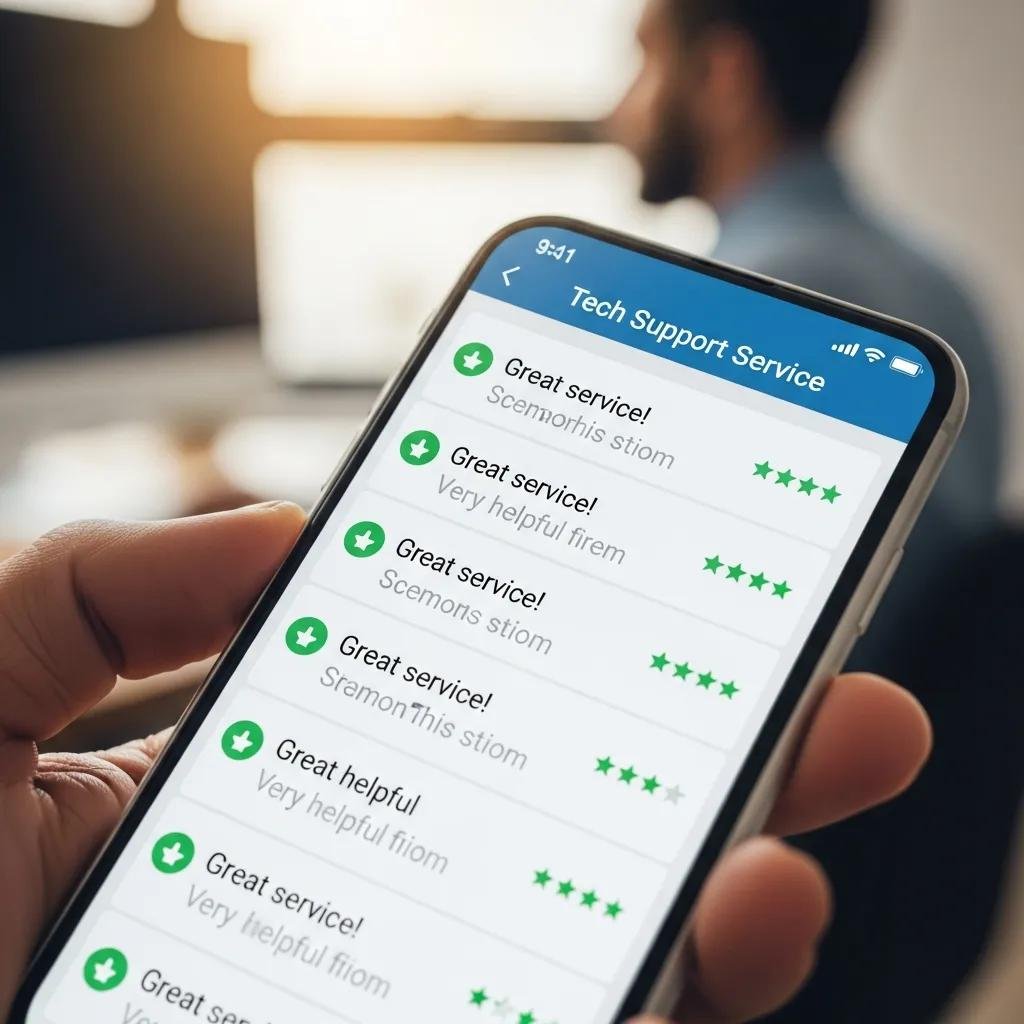
Customer reviews and reputation signals help triangulate real-world reliability, responsiveness, and trustworthiness when selecting remote computer help, but you must read them critically for specificity and corroboration. Focus on verified reviews that describe the actual problem, the steps taken, and measurable outcomes such as resolved malware infections, recovered data, or performance improvements. Cross-check reviews with independent platforms and request case-study-style summaries from providers where available. These reading strategies make testimonials actionable rather than persuasive fluff and prepare you to ask targeted questions during procurement.
Quick signals to trust in reviews and reputation checks:
- Presence of verified reviews and detailed problem-resolution narratives.
- Time-stamped feedback indicating recent performance and responsiveness.
- Transparent responses from the provider addressing issues or clarifications.
These signals inform the final practical checks listed below for identifying trustworthy providers.
| Review Signal | What to Look For | How to Verify |
|---|---|---|
| Verified reviewer status | Confirms reviewer identity or purchase | Look for platform verification badges or proof of service |
| Detailed resolution descriptions | Shows concrete outcomes, not generic praise | Prefer reviews that name the issue and outcome |
| Provider responses | Demonstrates accountability and transparency | Check for reasoned replies that address specifics |
This table helps you convert reputation data into verifiable trust signals during vendor selection.
Why Are Testimonials Important for Choosing Reliable Remote Computer Help?
Testimonials provide qualitative context about technician skill, communication clarity, and follow-through; reliable testimonials include specifics like the problem, the solution steps, and whether the issue stayed resolved. Generic five-star statements without detail add little value, whereas reports that mention system type, error symptoms, and time-to-resolution help you assess relevance to your environment. Use this testimonial rubric to prioritize providers whose documented experience matches your top risks and device mix.
A final list explains practical steps to validate providers before purchase.
How to Identify Trustworthy Remote IT Support Providers?
Before buying, perform these tangible checks: request a sample SLA or service description, verify security controls like session encryption and logging, ask about escalation and refund policies, and run a short paid trial or single-incident engagement to evaluate responsiveness. Also cross-check independent reviews, ask for documentation of supported OS versions, and confirm any guarantees such as “No Fix – No Fee” where offered. These steps create a low-risk path for selection and help ensure the provider you choose delivers reliable remote computer help.