Advanced Digital Protection for Your Devices & Data: Essential Digital Security Solutions and Cybersecurity Best Practices
Advanced digital protection means combining proactive cybersecurity controls, data-centric safeguards, and incident-ready remediation to keep devices and sensitive information safe from evolving threats. This article explains why enhanced cybersecurity matters in the current 2024 threat landscape, what threats to prioritize, and the practical defenses you can implement today to reduce risk. Readers will learn how endpoint protection, VPN support, multi-factor authentication, encryption, and backup strategies work together as a proactive defense and which steps require professional help. We also map when remote technical support and targeted services like virus removal and data recovery are appropriate to restore systems with minimal downtime. The following sections define the key cyber threats, provide a step-by-step proactive implementation checklist, outline best data privacy and backup practices, and describe device-specific hardening plus the role of remote support. Throughout, the guidance emphasizes actionable data security strategies and advanced data protection methods you can adopt for personal devices and small business environments.
What Are the Key Cyber Threats to Your Devices and Data?
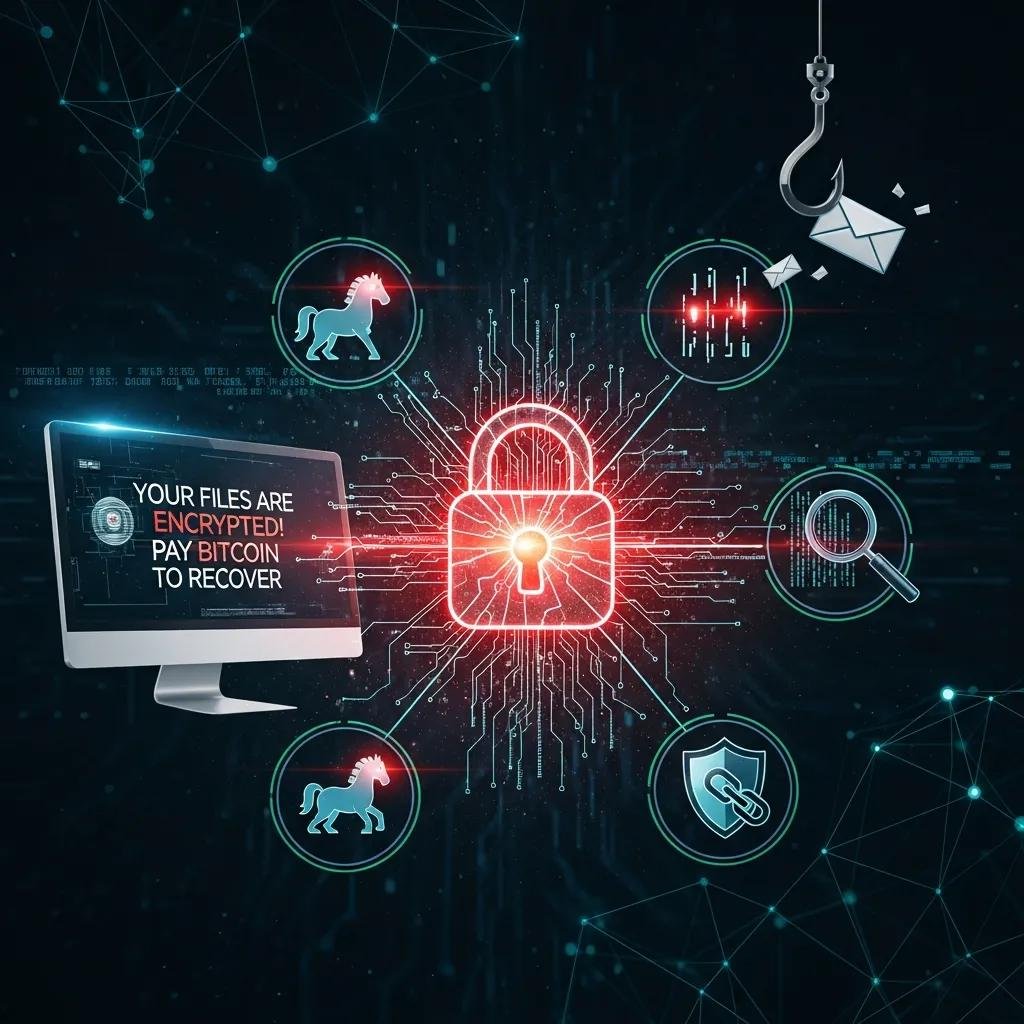
Key cyber threats are categories of attack that target devices, accounts, and stored data to steal, encrypt, or manipulate information for financial or political gain. Understanding these threats helps prioritize proactive cybersecurity investments and incident response planning. Recent trends show increased AI-enabled phishing and supply-chain risks that exploit trusted software updates, making layered defenses more important than ever. The following concise list captures the highest-priority threats to watch and prepares you to choose defenses that map to each attack vector.
Top threats affecting devices and data include:
- Malware: Software designed to compromise devices, exfiltrate data, or create backdoors for persistent access.
- Ransomware: Malware that encrypts files and demands payment for recovery, often targeting backups and network shares.
- Phishing: Deceptive messages that trick users into revealing credentials or running malicious attachments.
- Supply-chain attacks: Compromises of third-party libraries or update channels that spread across many systems.
- AI-enabled attacks: Sophisticated fraud or social-engineering that scales through automated personalization.
These prioritized threats show why layered controls such as endpoint protection, secure patching, and user awareness training are essential to limit exposure and speed recovery from incidents.
Understanding Malware, Ransomware, and Phishing Attacks
Malware is any malicious software that harms a device or network by stealing data, enabling surveillance, or disrupting operations, and it spans trojans, worms, and spyware. Ransomware is a targeted form of malware that encrypts critical files and systems to coerce payment; its impact often includes downtime, reputational harm, and costly recovery. Phishing uses deceptive emails, texts, or web pages to obtain credentials or deliver malware, and it remains the primary initial access vector for many breaches. Immediate mitigations include keeping systems patched, using reputable endpoint protection, backing up critical data offline, and training users to verify unexpected requests, which together reduce the likelihood and impact of these attacks.
How Can You Implement Proactive Cybersecurity Measures?
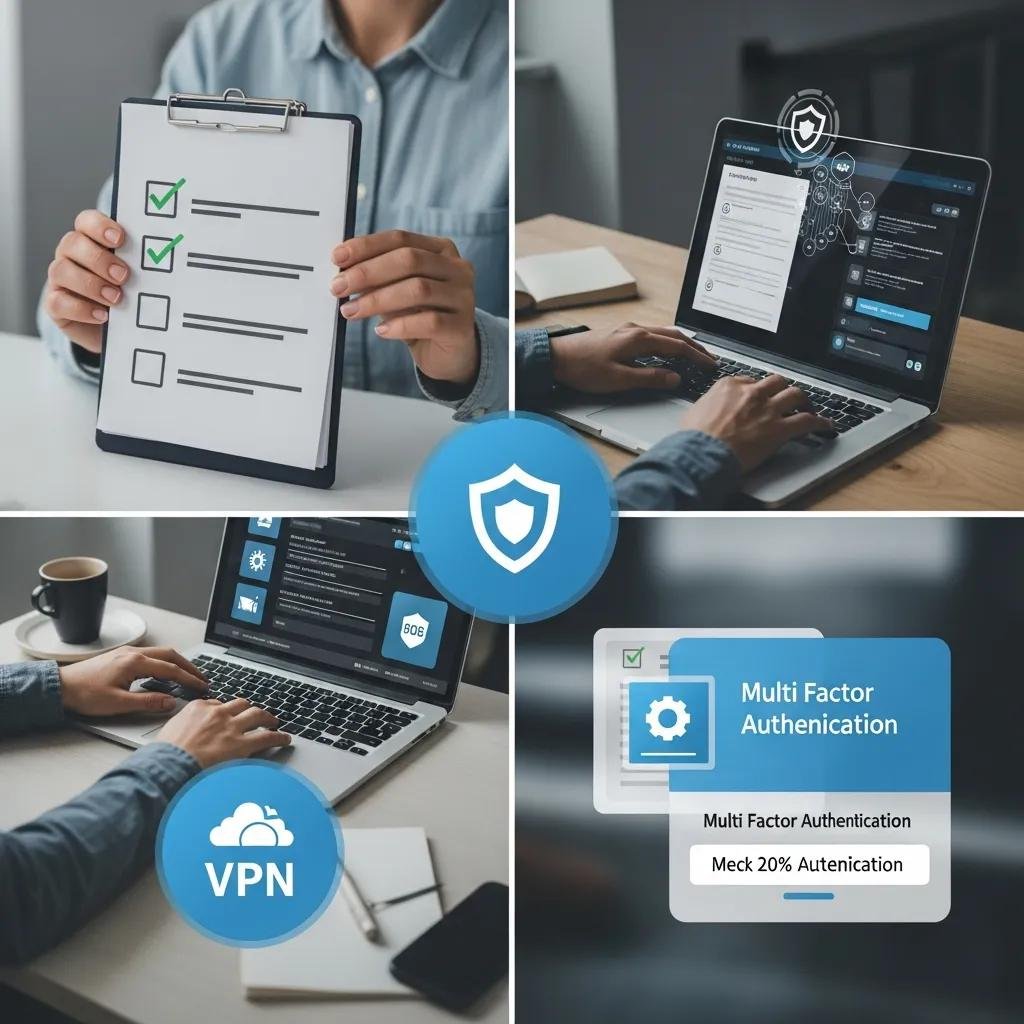
Proactive cybersecurity means applying prioritized controls—patching, endpoint protection, MFA, and secure networking—to reduce attack surface and detect threats early. These measures work because they interrupt common attack chains: patching closes exploit windows, EDR detects abnormal behavior, MFA blocks credential replay, and VPNs protect remote connections. Implementing them in sequence creates a layered defense that reduces both probability and impact of compromise. Below is a practical numbered action plan to deploy core protections quickly and effectively.
Follow these implementation steps:
- Apply timely patching and vulnerability management: Automate OS and application updates and run periodic vulnerability scans to eliminate known exploits.
- Deploy endpoint protection including AV and EDR: Combine traditional antivirus for signature detection with EDR for behavior-based threat hunting and response.
- Enforce multi-factor authentication (MFA): Require authenticator apps or hardware security keys for all privileged and remote access.
- Use a trusted VPN for remote access and secure routers: Encrypt remote sessions and segment networks to limit lateral movement.
- Establish automated, encrypted backups and test restores: Protect backups from ransomware and verify recovery procedures regularly.
This step-by-step sequence helps organizations and individuals prioritize controls that block common intrusion paths and enable faster incident recovery while reducing operational disruption.
Before the technical steps above are fully effective, many users benefit from professional configuration and verification to ensure controls interoperate correctly. Remote technical support can assist with installing and tuning antivirus/EDR, configuring VPNs and MFA, and validating patching policies to ensure policies are enforceable. For users who need hands-on assistance, providers offer services such as remote computer repair, VPN support, and virus & spyware removal that complement self-managed controls and help maintain continuous protection.
Introductory comparison of proactive controls for quick decision-making follows; it highlights coverage and limitations to guide tool selection.
| Control | Coverage | Strengths / Limitations |
|---|---|---|
| Antivirus Software | File- and signature-based detection on endpoints | Strength: low overhead and familiar UI. Limitation: less effective on novel/behavioral threats without EDR. |
| Endpoint Detection & Response (EDR) | Behavior-based detection, threat hunting, telemetry | Strength: detects complex attacks and lateral movement. Limitation: requires tuning and monitoring to avoid false positives. |
| Patch Management | OS and application vulnerability remediation | Strength: closes exploit windows quickly. Limitation: may require testing to avoid compatibility issues. |
| VPN Services | Encrypted remote access and network privacy | Strength: protects data in transit and hides network traffic. Limitation: misconfiguration can create trust risks or split-tunneling exposure. |
This table clarifies trade-offs so you can match investment to risk tolerance, and it guides whether to adopt consumer tools or managed services for sustained protection.
Using Antivirus Software and Endpoint Protection Effectively
Antivirus (AV) detects known malware signatures while endpoint detection and response (EDR) looks for anomalous behavior and persistent threats; combining both offers comprehensive endpoint security. Choose solutions that provide real-time updates, centralized management, automated scanning, and telemetry that integrates with your incident response processes. Configure daily or real-time scans, enable automatic updates, and whitelist critical business applications to reduce false positives while preserving detection capability. Regularly review alerts and baseline normal activity to tune thresholds, and ensure logs feed into any centralized monitoring or SIEM systems for correlation and rapid investigation.
These practices ensure detection tools work proactively rather than reactively, and they naturally lead to complementary network controls like VPNs and MFA that further limit exposure.
Benefits of VPNs and Multi-Factor Authentication for Online Threat Prevention
VPNs encrypt network traffic and mask connections, protecting remote sessions from eavesdropping and fallible public Wi-Fi, while multi-factor authentication (MFA) adds a second verification layer beyond passwords. Recommended MFA options include authenticator apps and hardware security keys; SMS-only MFA is better than none but is less secure. When selecting VPN providers, prioritize reputable services with strong encryption and clear no-logs policies; avoid unnecessary split-tunneling for sensitive systems. For non-technical users, enable MFA across email and cloud services first, then apply VPN access for remote work, which balances usability and security.
Enabling VPNs and MFA together reduces credential-based attacks and network interception, thereby strengthening the overall proactive defense posture and preparing systems for rapid incident containment.
What Are the Best Data Privacy Protection and Security Strategies?
Data privacy protection focuses on controlling who can access data, encrypting it in transit and at rest, and ensuring reliable backups and compliant handling to reduce regulatory and operational risk. Strong data security strategies combine access controls, encryption, and tested backup procedures so that data remains confidential, available, and resilient against loss or extortion. Prioritized strategies below explain practical steps and rationale for typical personal and small-business data protection needs. Implementing these controls provides both preventive protection and post-incident recovery options.
Key data protection strategies include:
- Encryption: Encrypt sensitive data at rest and in transit to prevent unauthorized reading of files or intercepted communications.
- Backup solutions: Maintain automated, versioned, and offsite (or immutable) backups and test restores regularly to ensure recoverability.
- Access controls and least privilege: Limit user permissions to necessary resources and enforce strong authentication and auditing.
- Data inventory and retention policies: Know what data you hold, where it resides, and how long to keep or securely dispose of it.
These prioritized strategies reduce exposure to data breaches, ease compliance obligations, and provide a foundation for fast recovery should an incident occur.
Before complex incidents, professional help can be essential. If encryption keys are lost, backups corrupted, or recovery requires forensic containment, experts can perform secure recovery and restoration. Services such as data recovery and secure backup configuration assist when technical complexity or data-loss risk is high, providing validated restores and guidance for long-term resilience.
Introduce recommended implementation notes for encryption, backup, and compliance.
| Control | Attribute | Best-practice recommendation |
|---|---|---|
| Data Encryption | At-rest & in-transit | Use AES-256 or equivalent for storage and TLS 1.2+ for transport; ensure key backups are stored separately. |
| Backup Solutions | Frequency & integrity | Automate daily incremental backups with weekly full snapshots; test restores quarterly and protect backups from ransomware. |
| Access Control | Least privilege & auditing | Enforce role-based permissions, enable MFA for privileged accounts, and log access for regular review. |
This table pairs each control with concrete recommendations to translate strategy into operational tasks and reduce both breach impact and recovery time.
Data Encryption and Secure Storage Practices
Encryption protects data by transforming it into unreadable ciphertext unless a valid key is present; at-rest encryption secures stored files while in-transit encryption protects network transmission. Symmetric encryption (single shared key) is efficient for large datasets, while asymmetric encryption (public/private keys) supports secure key exchange and authentication, and both are used together in modern systems. Practical storage options include encrypted cloud storage with server-side or client-side encryption and hardware-encrypted external drives for local archives. Key management is critical: keep offline backups of keys, rotate keys periodically, and restrict key access to dedicated personnel or secure key-management systems.
Proper encryption and key handling reduce the value of stolen data and complement access controls, which in turn supports compliance with privacy regulations and simplifies post-incident recovery planning.
Complying with Data Privacy Regulations and Backup Solutions
Compliance with frameworks such as GDPR or CCPA begins with a data inventory, clear consent practices, and documented breach notification procedures; these items map directly to operational controls and backup strategies. Backup best practices align with compliance: keep encrypted backups, maintain minimal necessary retention, and perform regular restore tests to demonstrate recoverability. Establishing routine audits and documentation of processing activities helps meet regulatory transparency and accountability requirements. When compliance or recovery becomes complex—such as cross-border data concerns or large-scale restoration—seek professional assistance to validate procedures and meet legal timelines.
These compliance-aligned backup and retention steps not only reduce regulatory liability but also ensure data remains available and restorable when needed for operations or legal response.
How to Secure Your Devices with Specialized Software and Support?
Securing devices requires OS-level hardening, appropriate security tools, and clear decision points for when to escalate to professional support for remediation or recovery. Operating system patches, secure configuration, and vetted third-party tools form the baseline of device security; remote support services can intervene when threats or data loss exceed DIY capabilities. This section outlines platform-specific essentials and clarifies the role of remote technical assistance in virus removal and data recovery so you can decide when to act yourself and when to engage experts.
Practical device/service comparisons below help decide when to DIY and when to request professional support.
| Device / Service | Common issue | How professional support helps |
|---|---|---|
| Windows desktops | Malware persistence, registry changes | Remote technicians perform deep scans, offline remediation, and registry repair while preserving user data when possible. |
| Mac systems | Permission errors, adware, misconfigured privacy settings | Support teams verify system integrity, adjust privacy controls, and remove persistent adware without unsafe system changes. |
| Cloud & backup services | Corrupted or ransomware-affected backups | Data recovery specialists validate backups, restore clean versions, and harden backup workflows to prevent repeat compromise. |
This table clarifies common device-level problems and the concrete benefits of remote intervention for complex or risky situations.
Mac and Windows Security Essentials for Device Protection
For both Mac and Windows, keep the operating system and installed applications patched automatically to close exploit windows and minimize exposure to drive-by attacks. Enable built-in protections—firewall, secure boot or equivalent, and system integrity features—and configure account privileges so users operate with least privilege rather than administrative rights. Consider reputable third-party endpoint tools for additional behavior-based detection and scheduled scans, but verify compatibility and centralized update management. Regularly review security settings and logs to confirm protections are active and to spot anomalies early.
Following these platform-specific hardening steps reduces the need for emergency remediation and sets a clear baseline for when to call experts for deeper cleanup or forensic analysis.
Role of Remote Technical Support in Virus Removal and Data Recovery
Remote technical support typically follows a diagnostic workflow: initial triage, secure remote access with user consent, targeted remediation (malware removal, file restoration), and final validation along with prevention advice. Professionals use specialized tools and safe procedures—such as offline scans and isolated restores—to remove persistent threats while minimizing data loss and service interruption. Indicators that professional help is needed include encrypted files, persistent reinfection, or failed restores; in those cases, remote experts also advise on containment and next steps. When granting remote access, follow security best practices: limit sessions, monitor activity, and require clear authorization to protect privacy and data integrity.
Understanding this workflow helps set expectations for outcomes, timelines, and when an engagement is more efficient than continuing DIY efforts.
mcHelper.com provides remote computer repair, tech support, virus & spyware removal, VPN support, and data recovery services that can assist when device-level issues exceed self-service options. Their remote support convenience and certified technicians can help configure endpoint protection, validate backups, and perform secure remediation; users should evaluate whether 24/7 availability or guaranteed service terms match their urgency and recovery needs.
- When to DIY: If the issue is a single isolated file, straightforward update, or enabling MFA, follow vendor guides and trusted documentation.
- When to engage support: If you see persistent threats, encrypted data, or failed backups, contact remote technical support to reduce risk and speed recovery.
- How to prepare: Before any remote session, document symptoms, keep recent backups, and only grant access to verified support providers.
These decision points help you balance cost, downtime, and risk while preserving the integrity of devices and data.