Benefits of Using a VPN for Online Privacy & Security: Essential Protection for Your Digital Life
A Virtual Private Network (VPN) creates an encrypted tunnel between your device and the internet, delivering two primary outcomes: stronger online privacy and improved connection security. This article explains what a VPN does, how it masks your IP address and encrypts traffic, and why those protections matter for home users, travelers, and people working remotely. Many individuals face tracking by ISPs, exposure on public Wi-Fi, and targeted profiling that erode privacy; a VPN addresses these risks by rerouting connections through secure servers and applying modern encryption. Below you’ll find clear explanations of privacy mechanisms (including an EAV comparison of masking, encryption, and logging policies), the security benefits for risky networks, practical additional advantages like reducing ISP throttling and enabling safer remote work, plus a concise checklist for choosing a VPN. Practical configuration and troubleshooting options are covered too, including how mcHelper.com’s VPN Support can assist with setup and remote troubleshooting where needed. Throughout, keywords like vpn for home users, vpn encryption, public wifi vpn, and vpn for remote work are used to map the most relevant protections to everyday scenarios.
How Does a VPN Enhance Your Online Privacy?
A VPN enhances privacy by replacing your device’s visible internet identity with the VPN server’s IP and encrypting traffic so intermediaries cannot read the contents. This mechanism prevents direct linking of online activity to your home IP address and reduces the ability of trackers and advertisers to build persistent profiles based on your connection. The result is greater online anonymity and reduced correlation of browsing across sites and devices. Below is a compact comparison of common privacy mechanisms to clarify what each protects and its limitations.
Different privacy mechanisms protect distinct elements of your connection and have different limitations.
| Mechanism | What it Protects | Practical Limitations |
|---|---|---|
| IP masking via VPN | Hides your public IP from visited sites and services | VPN provider still sees connection metadata unless no-log policies apply |
| Traffic encryption | Protects contents of packets in transit | Does not stop endpoint logging (websites you sign into) |
| No-log policy | Prevents provider from storing browsing history | Policy trust depends on audits and jurisdiction |
This table shows that combining encryption with audited no-log practices offers the strongest privacy profile. Understanding these layers helps set realistic expectations about what a VPN can and cannot hide.
VPNs deliver several clear privacy benefits that apply to home users and small businesses:
- IP address masking: hides device identity from websites and trackers.
- Hiding browsing history from ISPs: prevents ISP inspection of visited sites and content.
- Reducing targeted profiling: breaks continuity of tracking across sessions and locations.
What Is IP Address Masking and Why Does It Matter?
IP address masking means substituting your device’s public IP with the VPN server’s IP, so websites and trackers see the server instead of your home connection. This mechanism prevents simple geographic or account linking that advertisers, platforms, and some services use to correlate activity across sessions. For example, accessing a streaming library through a VPN server in a different region shows the server’s geographic footprint rather than your local ISP’s location, limiting local profiling. While masking improves anonymity, it doesn’t make you invisible: accounts you log into, cookies, and browser fingerprinting can still link behavior unless combined with careful privacy hygiene.
How Does VPN Encryption Protect Your Personal Data?
VPN encryption scrambles data packets between your device and the VPN server so on-path observers cannot read credentials, form data, or session content while in transit. Common encryption algorithms (AES or ChaCha20) and protocols (WireGuard, OpenVPN, IKEv2) provide the confidentiality and integrity that prevent interception on public networks. Think of encryption as sealing a letter in an opaque envelope before sending it through a public mailroom: the envelope prevents anyone in the middle from reading the contents. Encryption protects logins and sensitive traffic in transit but does not prevent endpoint compromise or phishing if users expose credentials.
In What Ways Does a VPN Strengthen Your Online Security?
A VPN strengthens security by preventing local eavesdropping, reducing exposure to certain network attacks, and enabling encrypted remote access to corporate resources. By routing traffic through secure servers and maintaining integrity checks, a VPN reduces the risk of man-in-the-middle interception and passive data collection on untrusted networks. However, a VPN is one layer in a broader security posture that should include device updates, anti-malware tools, and strong authentication. Below is a short checklist of security scenarios where a VPN offers material protection.
Use a VPN to protect these common risky scenarios:
- Public Wi-Fi usage: encrypts traffic to block local snooping and Wi-Fi sniffers.
- Remote access to work resources: secures connections when authenticating to corporate services.
- Untrusted network environments: prevents local attackers from intercepting credentials.
How Does a VPN Secure Public Wi-Fi Connections?
Public Wi-Fi networks often lack proper encryption or use shared keys, allowing attackers on the same hotspot to sniff traffic or set up rogue access points. A VPN secures public Wi-Fi by encapsulating your browsing in an encrypted tunnel to the VPN server, so local attackers cannot read session data or harvested credentials. Practical steps when using public Wi-Fi include enabling your VPN before connecting, using HTTPS for sites, and avoiding logins to sensitive services without multi-factor authentication. These behaviors together make public networks much safer for home users and travelers relying on coffee-shop or airport hotspots.
How Does a VPN Protect Against Cyber Threats and Data Breaches?
A VPN reduces exposure to some network-based cyber threats by encrypting traffic and obscuring internal IP addressing, which lowers the attack surface for opportunistic attackers on the same network. It also secures remote login channels, making credential interception less likely during transit. However, VPNs do not stop phishing, malware already present on a device, or vulnerabilities on the remote service; those threats require endpoint security, user training, and strong authentication. Combining a VPN with antivirus, regular updates, and multi-factor authentication yields a layered defense that significantly reduces breach risk.
What Additional Benefits Does a VPN Offer for Internet Safety?
Beyond privacy and security, VPNs provide practical conveniences that support safer internet use: they can reduce ISP throttling, enable geo-aware testing and access, and provide consistent IPs for remote access to home services. For users experiencing selective bandwidth shaping, routing traffic through a VPN can mask traffic types and help sustain performance for priority activities. In workplaces and for remote work, VPNs enable safer access to internal resources by encrypting connections and, in some setups, presenting a stable entry point for remote devices. mcHelper.com can assist with configuring VPNs on home routers or devices to ensure these conveniences work reliably for non-technical users.
VPN advantages include:
- Reduce ISP tracking and throttling: prevents ISPs from easily identifying traffic types.
- Geo-flexibility: access region-restricted services for legitimate use cases like testing.
- Stable remote access: maintain consistent IP addressing for home servers or remote tools.
How Can a VPN Prevent ISP Tracking and Data Collection?
ISPs can see connections to destination IPs and unencrypted traffic contents; when you use a VPN, the ISP sees only an encrypted connection to the VPN server and cannot read the websites or data inside that tunnel. DNS requests can also be protected when routed through the VPN or combined with DNS over HTTPS/TLS. That said, ISPs will still observe the presence and timing of VPN connections, and choice of VPN provider affects how much metadata is retained. Using a reputable, audited provider with clear no-log commitments and secure DNS handling best preserves privacy from ISP inspection.
How Does a VPN Support Secure Remote Work and Home Network Privacy?
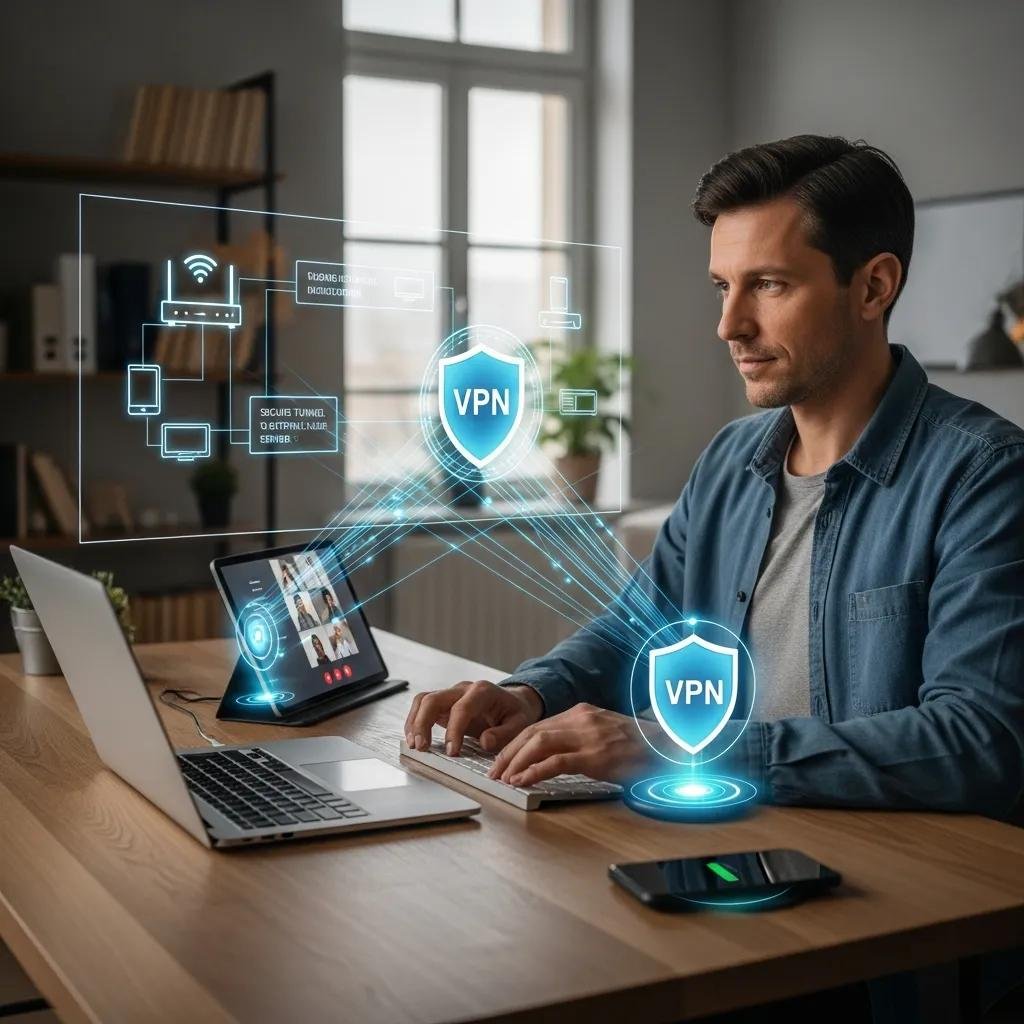
For remote workers, a VPN encrypts access to company intranets, file shares, and remote desktops, reducing the chance that credentials or sensitive files are exposed in transit. Home network privacy improves when routers are configured to route all device traffic through a trusted VPN, protecting IoT devices and less-capable endpoints from direct exposure. Considerations such as router-based VPNs, split tunneling to keep local services accessible, and ensuring protocol compatibility are common configuration tasks. For complex router integration or troubleshooting, mcHelper.com offers remote VPN Support to help select appropriate protocols, configure router settings, and resolve connectivity issues while following a no-fix-no-fee support approach.
How to Choose the Right VPN and Get Expert Support?
Choosing the right VPN requires evaluating privacy policies, encryption and protocol support, performance, and device compatibility. Look for audited no-log policies, modern protocols like WireGuard or OpenVPN, strong encryption ciphers, a kill switch to block traffic on disconnect, and clear device and router support to match your vpn for home users needs. The checklist below helps prioritize features when comparing services, and the table that follows gives concise recommendations for each key feature to support decision making.
Essential features to evaluate when choosing a VPN:
- No-log policy and audits: prefer providers with independent audits.
- Strong encryption and modern protocols: choose WireGuard or OpenVPN and AES/ChaCha20 ciphers.
- Performance and server coverage: ensure speed and nearby servers for best latency.
| Feature | Why it matters | Recommendation |
|---|---|---|
| No-log policy | Prevents provider retention of browsing history | Prefer audited no-log providers |
| Encryption & protocol | Protects data in transit and impacts speed | Use WireGuard or OpenVPN with AES/ChaCha20 |
| Kill switch | Prevents leaks if VPN disconnects | Ensure reliable kill switch on device and router |
| Router compatibility | Protects all home devices at the network level | Choose providers with router app or manual setup guides |
This decision table helps prioritize which attributes deliver the most privacy and operational benefit for home users and small teams.
What Features Should You Look for in a VPN Service?
When evaluating VPN services, prioritize features that deliver practical privacy and usability benefits. Seek audited no-log commitments, modern protocols like WireGuard for performance, robust encryption standards, a dependable kill switch, simultaneous connections for multiple devices, and clear router-level setup instructions for whole-home protection. Good provider transparency about jurisdiction and audit results adds trust. These features together create a usable, secure VPN suited to both casual home users and remote workers.
How Can mcHelper.com Assist with Your VPN Setup and Troubleshooting?
mcHelper.com provides VPN Support as part of its remote tech assistance offerings, helping users choose compatible VPN settings, perform device and router configuration, and troubleshoot connectivity or performance issues. Their model emphasizes remote convenience—“we come to you”—with around-the-clock availability and a customer-friendly no-fix-no-fee policy for qualifying support tasks. For users who need expert setup for router-based VPNs, split-tunneling configuration, or help resolving protocol compatibility issues, mcHelper.com offers targeted remote assistance to get VPNs functioning reliably across home networks and devices.