Top Benefits of Remote Computer Repair: Discover Convenience and Efficiency with Online Tech Support
Remote computer repair is the process of diagnosing and fixing desktop and laptop issues over a secure internet connection rather than in-person. This approach delivers tangible convenience and efficiency by reducing downtime, removing travel logistics, and enabling fast remote diagnostics that restore productivity quickly. In this article you will learn why remote computer repair is often the faster, more affordable, and more accessible alternative to conventional on-site service. We explain scheduling flexibility and location independence, show how remote tools shorten resolution time, quantify typical cost savings, and outline the security controls that keep remote sessions safe. Readers will also find practical lists and comparison tables that contrast remote and in-person approaches, plus guidance on pricing models and user controls. Throughout, keywords like convenient computer fix, remote repair advantages, remote computer diagnostics, and secure remote access for PC are woven into clear, actionable advice to help homeowners and small businesses evaluate virtual tech support options.
What Makes Remote Computer Repair Convenient for Users?
Remote computer repair removes the need to move hardware while delivering help where the user already works. Technicians connect through secure remote-access software and use diagnostic logs to pinpoint issues without an on-site visit. That immediacy saves scheduling friction and eliminates transit windows that typically delay fixes. The result is fewer interruptions for users and faster return-to-work for small businesses.
Remote support offers several concrete convenience benefits explained below. The following list highlights primary ways remote sessions simplify getting help.
- Immediate access without travel saves the user’s time and reduces disruption to daily tasks.
- Flexible appointment times, including after-hours support, let users get help when it fits their schedule.
- Location independence enables support across home, office, or multiple sites without transporting devices.
These benefits reduce logistical overhead and make follow-up simple, which in turn lowers the risk of issues escalating into longer outages.
How Does Flexible Scheduling Enhance Remote Tech Support?

Flexible scheduling lets users choose on-demand or booked sessions to match urgency and availability. On-demand access often resolves minor software and configuration problems within the hour, while scheduled sessions accommodate larger maintenance tasks. For remote workers and small teams, evening or early-morning slots prevent lost productivity during core business hours. Choosing a provider with varied scheduling options reduces wait time and makes it easier to coordinate support around deadlines.
This scheduling flexibility supports faster triage and points directly to the tools that enable rapid diagnosis.
Why Is Location Independence Key to Convenient Computer Help?
Location independence means help arrives without physical transport of a laptop or desktop, preserving user environment and context. Remote diagnostics let the technician see live error messages, application behavior, and network status as the user experiences them. This reduces the back-and-forth that happens when devices are boxed and shipped, shortening the path from problem discovery to resolution. For mobility-limited users or distributed teams, location-independent support removes a major barrier to getting timely technical assistance.
Seeing issues in their real environment also enables safer, context-aware fixes and smoother follow-up.
How Does Remote Computer Repair Improve Efficiency?
Remote computer repair speeds problem resolution by combining tools, automated diagnostics, and expert workflows designed for rapid fixes. Remote-access software and log collection let technicians reproduce errors immediately and run scripted repairs that handle common issues at scale. This technical efficiency reduces mean time to repair and minimizes user downtime. Faster fixes translate into measurable productivity gains for both individual users and small teams.
To show the efficiency gap, the following table compares remote and in-person repair across response and resolution metrics.
Different repair approaches deliver distinct effects on response time and downtime.
| Repair Model | Avg Response Time | Typical Resolution Time |
|---|---|---|
| Remote Repair | Minutes to a few hours | Many issues fixed within 30–90 minutes |
| In-Person Repair | Hours to days | Often requires multiple hours plus travel time |
| Hybrid (Remote + On-site) | Remote first; site if needed | Faster triage, on-site only when necessary |
This comparison highlights that remote-first workflows reduce initial wait and typically resolve routine problems faster than traditional dispatch models.
What Enables Faster Problem Resolution with Virtual Assistance?
Several technical enablers make virtual assistance fast: secure remote-access clients, automated diagnostic scripts, and centralized knowledge bases. Technicians use these tools to collect system telemetry, run repeatable fixes, and deploy patches without physically handling equipment. Automation trims manual steps and lets certified technicians apply proven remedies quickly across common fault categories. The net effect is shorter queues, predictable repair times, and fewer escalations to lengthy on-site work.
These tool-driven processes also support better tracking and handoffs when an issue does require physical service.
How Does Online Tech Support Boost Productivity?
Online tech support reduces downtime and preserves employee workflow by eliminating long gaps that occur waiting for on-site techs. Quick remediation of email, connectivity, or performance issues means employees spend more time on value work and less time idle. For small teams, even modest reductions in downtime compound into meaningful productivity gains across weeks and months. Tracking resolution times and recurring issues allows preventative measures that further reduce future interruptions.
Improved productivity follows directly from faster resolution and from preventive maintenance that avoids repeat outages.
What Are the Cost-Effective Advantages of Remote PC Repair?
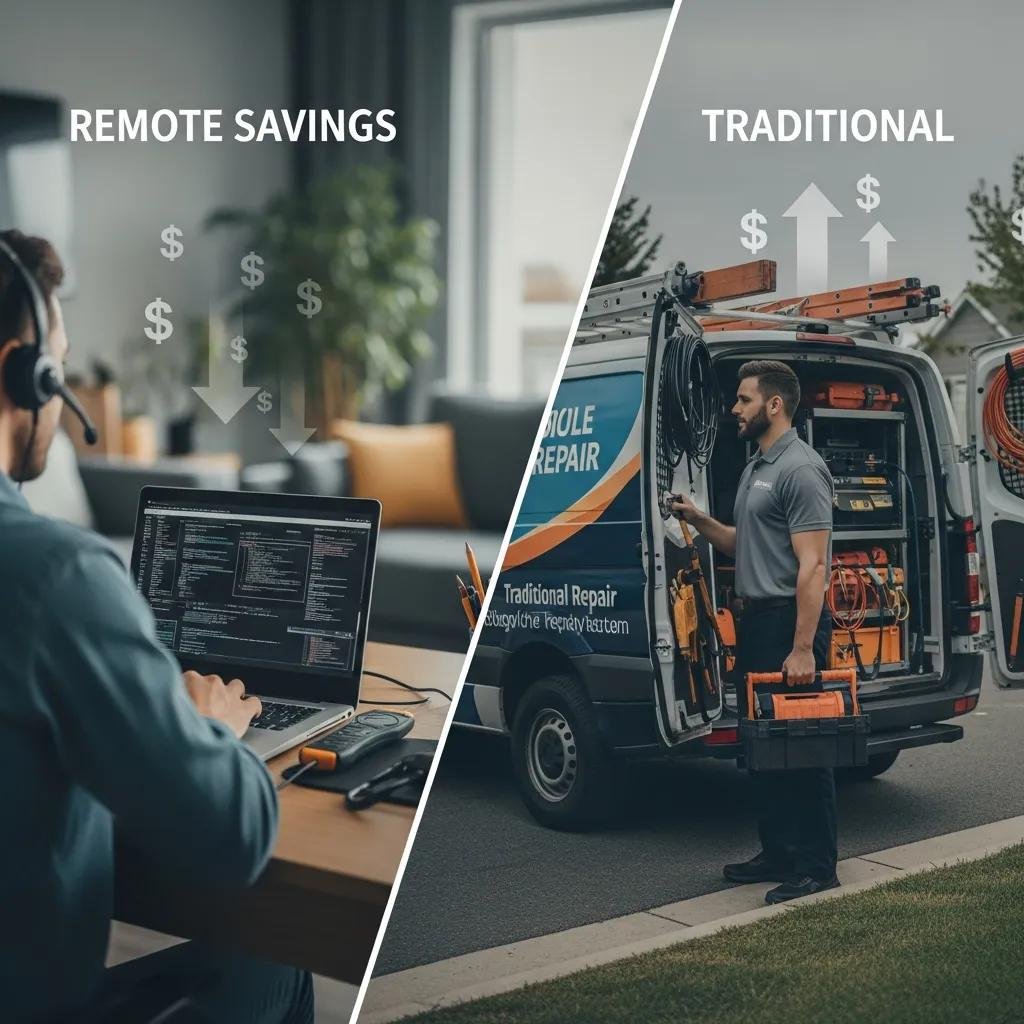
Remote repair lowers direct and indirect costs by cutting travel fees, reducing billable travel hours, and enabling lower overhead pricing models. Because many fixes can be handled remotely, providers can offer more transparent per-session fees or subscription plans that spread support costs predictably. Eliminating logistics also reduces hidden costs like device transport, lost work time during transit, and repeated technician callbacks. Together these savings create faster return on investment for routine support needs.
The table below breaks down cost components so readers can compare typical remote and traditional models.
Cost comparisons clarify where savings tend to occur.
| Cost Component | Remote Repair | Traditional Repair |
|---|---|---|
| Travel & Mileage | Eliminated | Often billed or absorbed |
| Labor (billable hours) | Focused on diagnosis/repair | Includes travel and on-site time |
| Ongoing Support | Subscription options available | Ad-hoc per-visit billing |
This comparison shows remote-first approaches reduce travel-related charges and enable more predictable ongoing support costs.
For example service offerings that realize these advantages, some providers emphasize 24/7 availability, certified technicians, a “no fix – no fee” guarantee, proprietary remote software for quick solutions, and annual subscription plans for continuous support. These features are examples of common UVPs that help convert time and convenience savings into reliable, cost-effective service options.
If you want continuous access to online tech support with straightforward pricing, consider a provider that combines around-the-clock availability with subscription plans and a satisfaction guarantee.
How Does Eliminating Travel Expenses Save Money?
Removing travel eliminates both billable travel time and indirect costs like technician scheduling overhead. When a technician does not need to commute, providers can process more cases per day and pass savings to customers through lower hourly rates or bundled plans. Eliminating physical dispatch also reduces the risk of missed appointments and rescheduling fees that inflate total cost. For businesses tracking employee downtime, the cost of travel often outweighs the marginal expense of a remote session.
These travel savings make remote-first policies especially attractive for recurring maintenance and routine troubleshooting.
What Transparent Pricing Models Are Offered for Online Support?
Typical pricing models include pay-per-session, flat-fee diagnosis, subscription-based ongoing support, and guaranteed approaches like “no fix – no fee.” Pay-per-session suits occasional fixes, while subscriptions benefit users who need regular preventive maintenance or priority response. A “no fix – no fee” policy aligns incentives and reduces upfront risk for customers evaluating remote support. Choosing the right model depends on frequency of issues and tolerance for variable costs versus predictable monthly fees.
Transparent pricing paired with clear service-level expectations simplifies budgeting for both home users and small businesses.
How Is Security Ensured During Remote Computer Repair Sessions?
Security for remote repair rests on encrypted connections, strict session permissions, and technician verification to protect user data. Reputable remote-support workflows require explicit user consent before access, use TLS-based tunnels for data in transit, and offer granular controls like view-only or file-transfer permissions. Audit logs and technician credentials create accountability and allow users to review actions performed during a session. These controls together provide a secure environment for remote diagnostics and fixes.
Below is a concise table that lists common security controls, how they are implemented, and the user-facing benefit.
| Control | Implementation | Benefit |
|---|---|---|
| Encryption | TLS secure tunnels | Protects data in transit |
| Session Permissions | User-granted modes (view, control) | Maintains user control |
| Authentication | Technician credential checks | Ensures verified access |
| Audit Logs | Action recording and timestamps | Enables post-session review |
This table shows how layered controls reduce risk while preserving the speed advantages of remote support.
Many providers also highlight certified technicians and strict security practices as trust signals. Mentioning certified staff and encryption protocols helps users evaluate providers that prioritize safety during remote sessions. A short paragraph referencing such practices can reassure users selecting a virtual support partner.
What Encryption Protocols Protect User Data?
Encryption protocols like TLS and secure tunneling are the foundational protections for remote-access software. These protocols encrypt commands and data between the user’s device and the technician’s console, preventing interception on public or private networks. Providers that keep remote-access tools up to date reduce exposure to known vulnerabilities and ensure cryptographic libraries follow current standards. For end users, up-to-date software and encrypted sessions translate into reduced risk when granting temporary access for diagnostics.
Understanding encryption basics helps users ask the right questions before authorizing a session.
How Do Users Maintain Control During Remote Access?
Users maintain control through explicit consent prompts, visible session indicators, and the ability to pause or terminate access at any time. Most remote tools require the user to approve each session and permit selection of view-only or full-control modes. Watching the session live and confirming file transfers are standard safeguards that prevent unexpected changes. These steps give users agency and make remote repair a cooperative process rather than an opaque intervention.
Get started with remote support by selecting a provider that offers secure, certified virtual tech support and transparent plans for ongoing protection and convenience.
For users seeking continuous coverage and prioritized access, mcHelper.com demonstrates common industry features like 24/7 availability, certified technicians, proprietary remote tools, a “no fix – no fee” approach, and annual subscription options to streamline computer care.