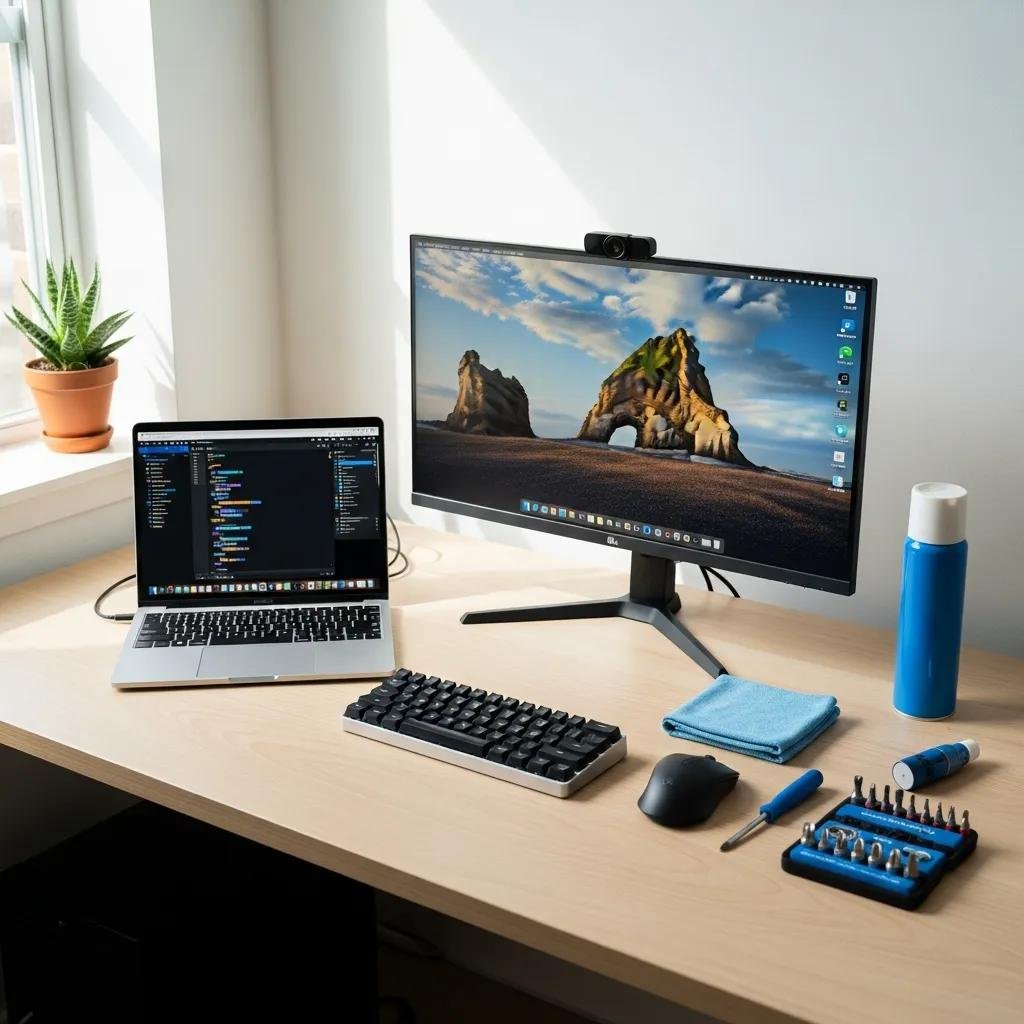
McHelper Annual Plan: Affordable 24/7 Remote Tech Support for Yearly Computer Maintenance
Unpredictable repair bills and surprise downtime drain time and money for individuals and small teams. This article explains how an annual remote tech support subscription can convert those variable costs into a predictable service that reduces interruptions and protects devices year-round. The McHelper Yearly Loyalty Unlimited Plan is one example of this approach, priced at $199.99 for 12 months and designed to provide continuous remote assistance for Mac and Windows systems. Readers will learn why subscription-based remote tech support can be the best value computer repair option, which services are typically included, how that price compares to hourly and managed alternatives, and what security practices protect remote sessions. The sections below cover the core reasons to choose an annual plan, a detailed breakdown of included services, a pricing comparison with concrete savings examples, and an assessment of remote support safety and guarantees. Throughout, we use terms like remote IT support subscription, yearly computer maintenance cost, and predictable tech support costs to clarify choices for consumers and small organizations.
Why Choose McHelper's Annual Remote Tech Support Plan?
An annual remote tech support plan replaces emergency charges with a predictable annual fee that covers ongoing maintenance and rapid response. Predictable cost and 24/7 access reduce delays and lost productivity, while proactive maintenance prevents many common issues before they escalate. The plan model aligns incentives toward prevention and education rather than only break/fix work, improving device health over time. Understanding these benefits helps explain why many people search for affordable 24/7 computer help instead of paying per incident.
- Predictable expenses: an annual fee avoids surprise hourly bills and simplifies budgeting.
- Rapid response: 24/7 availability reduces downtime for urgent issues outside business hours.
- Proactive upkeep: periodic maintenance and health checks prevent cascading failures.
- Cross-platform coverage: support for both Mac and Windows systems helps mixed-device households.
These benefits lead naturally to the elements that create clear value in an annual plan.
What Makes the McHelper Annual Plan an Unbeatable Value?
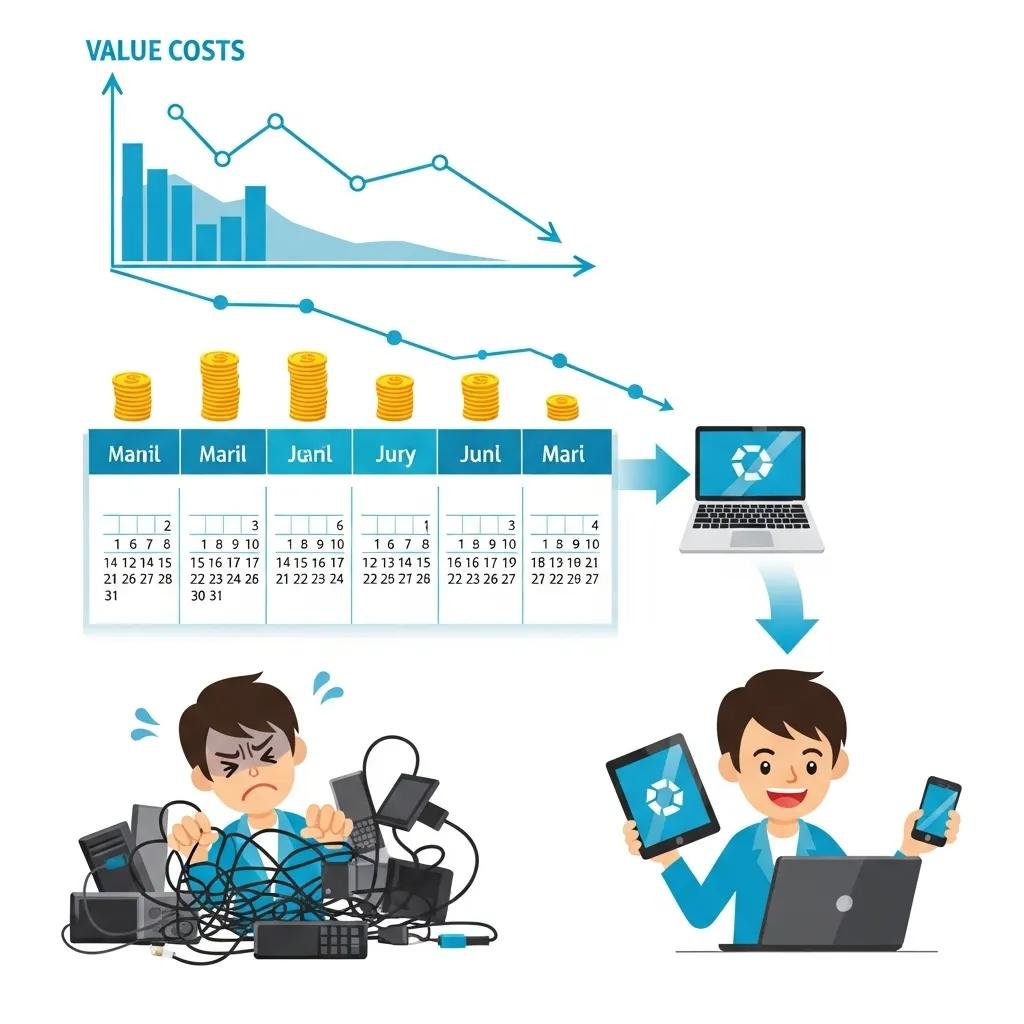
The core value is simple: access to unlimited remote help and periodic maintenance for a single annual price. At $199.99 per year, the math translates to less than 55 cents a day for continuous coverage, which makes frequent small repairs cost-effective to handle under a subscription. Unlimited remote sessions, system optimization, and threat elimination bundled together substitute multiple separate tickets or hourly charges. For people who face recurring software issues, malware cleanup, or slow performance, a single annual subscription can be dramatically cheaper than repeated on-demand fixes.
This pricing advantage connects directly to how round-the-clock access changes the support experience.
How Does 24/7 Access Enhance Your Tech Support Experience?
Round-the-clock remote support means issues can be addressed when they occur, not hours or days later, which reduces user frustration and productivity loss. For example, an evening malware alert or a failed boot during travel receives immediate attention, often restoring service remotely within the same session. That immediacy also reduces the need for costly onsite visits and shortens mean-time-to-repair for common faults. Faster resolution and fewer follow-up incidents are primary outcomes of continuous, remote-first support.
Prompt remote fixes also make it easier to incorporate follow-up maintenance and user education into the same subscription.
What Services Are Included in the McHelper Yearly Computer Repair Plan?
A comprehensive annual plan typically combines reactive repairs with proactive maintenance to keep systems running smoothly.
Core services address performance, security, and user capability so devices remain usable and resilient.
Mapping services to outcomes clarifies why a bundled subscription can outperform pay-per-incident approaches.
Below is a concise mapping of services to the problems they fix and the benefits users should expect.
The following table shows common services, the issues they address, and user-facing outcomes you can expect from a yearly remote plan.
| Service | What it fixes | Benefit / Outcome |
|---|---|---|
| Virus & malware removal | Infections, pop-ups, unauthorized processes | Restored security, fewer crashes, safer browsing |
| System optimization | Slow boot, lagging apps, fragmented settings | Faster performance, improved responsiveness |
| Periodic PC health checks | Silent errors, outdated drivers, pending updates | Early detection, reduced emergency repairs |
| Connected device support | Printers, phones, IoT device connectivity | Fewer connectivity problems, smoother workflows |
| User education & tips | Unsafe habits, poor backup routines | Fewer repeat issues, better long-term device hygiene |
How Does McHelper Handle Virus Removal and System Optimization?
Effective remote virus removal and optimization follow a repeatable workflow: diagnosis, containment, removal, cleanup, and preventive hardening. Technicians first identify active threats and suspicious processes, then run removal tools and manual cleanup to restore system integrity. After remediation, optimization includes updating software, clearing unnecessary startup items, and tuning system settings to improve boot and application performance. Follow-up maintenance and education reduce the risk of reinfection and maintain the improvements achieved during the session.
Understanding this workflow clarifies expectations about time, outcomes, and the role of periodic maintenance in preventing repeat incidents.
What Connected Device Support and User Education Are Provided?
Connected device support typically covers configuration and troubleshooting for common peripherals and companion devices such as printers and mobile sync services. Remote sessions guide users through secure pairing, driver updates, and network troubleshooting to restore functionality without an in-person visit. User education focuses on security hygiene, backup best practices, and simple troubleshooting steps to prevent recurring service calls. Teaching users how to recognize phishing, maintain backups, and apply routine updates reduces long-term support demand.
Practical education and device-level fixes together help maintain an overall healthier ecosystem across a user’s devices.
How Does McHelper's Annual Plan Compare to Traditional Tech Support Costs?
A side-by-side cost comparison shows how a flat annual fee stacks up against hourly and monthly alternatives commonly used for one-off repairs or managed services. Fixed-price yearly plans convert unpredictable incidents into a known annual expense, improving budgeting and often lowering total cost for users who require more than one repair per year. The table below compares typical pay-per-incident rates and managed monthly options to an annual subscription to illustrate where savings occur.
| Support Model | Typical Rate Range | Annual Equivalent / Example |
|---|---|---|
| Hourly remote/on-demand | $25 – $350 per hour | 1 hour at $100 = $100; multiple incidents add up quickly |
| Monthly managed (per user) | $50 – $200 per user / month | $50/mo = $600/yr; $200/mo = $2,400/yr |
| Annual remote subscription | Fixed $199.99 per year | $199.99/yr = predictable coverage, ~55 cents/day |
What Are the Typical Hourly and Monthly IT Support Costs?
Industry ranges vary widely because complexity, urgency, and on-site requirements change pricing materially. Hourly rates for reactive support range from low-cost remote help up to premium emergency or specialty services. Monthly managed services bundle monitoring and SLAs and therefore carry higher recurring costs but can benefit organizations that need guaranteed response. Regional factors and the difference between remote and onsite work also shift prices. Evaluating the frequency of incidents and typical repair time helps determine whether a yearly plan or pay-per-incident model is more economical.
These cost drivers set the stage for concrete savings examples comparing common scenarios.
How Much Can You Save with McHelper's $199.99 Annual Plan?
Consider a single one-hour repair at a representative $100 hourly rate: paying per incident costs about $100, while the annual plan covers that and additional support for $199.99. A household needing three small repairs at roughly $80 each would pay $240 total on-demand, which already exceeds the annual subscription cost. Framed another way, $199.99 per year works out to less than 55 cents per day, making routine troubleshooting and preventive maintenance cost-effective. For users who anticipate more than one modest issue per year, the annual subscription commonly delivers net savings.
These examples help readers decide whether predictable annual coverage or occasional hourly support fits their needs.
Is Remote Computer Repair Safe and Secure with McHelper?
Yes — remote computer repair can be safe when providers follow secure session protocols, encryption, and transparent user controls. Trusted remote support uses encrypted connections to protect data in transit, requires explicit user consent before control is granted, and offers session logging for accountability. These safeguards reduce common objections to allowing remote access and make remote remediation a practical option for urgent fixes. Understanding the specific protections available reassures users that security and privacy remain priorities during remote sessions.
- Encrypted sessions: all remote connections use secure encryption to protect data during a support session.
- User consent and control: users must grant access and can revoke or disconnect at any time.
- Session logging and accountability: recorded session metadata and logs support transparency and auditing.
| Security Measure | How it protects | User Impact |
|---|---|---|
| End-to-end encryption | Prevents eavesdropping on remote sessions | Confidential data remains private |
| Explicit consent controls | Ensures user permission before access | Users retain control of their device |
| Session logging and verification | Creates an audit trail of technician actions | Builds accountability and trust |
What Security Measures Protect Your Data During Remote Support?
Remote sessions should always require the user’s explicit authorization and offer clear indicators of active control, so the user knows when access is granted. Encrypted connections prevent interception of keystrokes or file transfers during the session, while session logging records actions for post-session review if needed. Combined, these controls limit exposure and provide a verifiable trail of activity that supports trust between the user and the technician. Asking about these measures before a session helps users make informed decisions.
Knowing the security posture makes it easier to evaluate guarantees tied to service outcomes.
What Is the 'No Fix - No Fee' Guarantee and How Does It Work?
The ‘No Fix – No Fee’ guarantee means the provider does not charge for remote work when a resolution cannot be achieved within the agreed engagement terms, protecting customers from paying for unsuccessful attempts. Typical steps to invoke the guarantee include documenting the attempted fixes during the session, escalating to more advanced resources if required, and then applying the guarantee if no remedy is possible. This promise reduces financial risk for customers seeking remote troubleshooting for complex issues. Clear eligibility criteria and documented session records help streamline the process when the guarantee applies.
Having a financial safeguard like this complements secure session practices and reinforces confidence in subscription-based remote support.