Remote Hard Drive Data Recovery Service: Secure Solutions for Failed Drives
Remote hard drive data recovery is a software-driven process that retrieves files from a failed drive using a secure, remote connection rather than shipping hardware to a lab. It works by diagnosing logical errors, creating read-only images or snapshots where possible, extracting intact data, and transferring verified files over encrypted channels to the user. This approach speeds recovery for many common failure modes — accidental deletion, filesystem corruption, and some ransomware scenarios — while avoiding physical shipping and extended downtime. In this article you will learn how remote recovery operates, which failure types are suitable for online disk recovery, the technical limits of remote repair, and how security and privacy are preserved during recovery sessions. The guide covers practical steps technicians take during a remote hard drive repair, lists of recoverable scenarios, EAV-style comparisons for quick triage, and the specific security controls a remote hard drive recovery provider uses to protect your files. Keywords addressed include remote data recovery, corrupt drive recovery, deleted file recovery remote, and ransomware data recovery remote.
What is Remote Data Recovery and How Does it Work?
Remote data recovery is a method of extracting files from a logically failed storage device by connecting to the affected system over a secure network and using recovery tools without physical lab intervention. Technicians diagnose the issue, mount or image affected volumes where possible, run recovery software modules, and transfer recovered files through encrypted channels to a safe destination. The key benefit is speed and convenience: users receive expert recovery without shipping hardware, reducing downtime and exposure of media. This model applies primarily to logical failures and readable sectors; mechanical or severe physical damage remains unsuitable for remote-only repair. Below are the typical remote workflow steps technicians follow.
- Initial remote diagnosis identifies logical errors and checks mountability.
- Imaging or read-only access preserves data integrity before repair attempts.
- Recovery and verification extract files, then transfer them securely back to the user.
These steps summarize how remote access enables safe retrieval of user data and lead into the technical mechanics of remote access methods used during recovery.
How Does Remote Access Enable Data Recovery from Failed Hard Drives?
Remote access enables data recovery through several secure connection modes, such as remote desktop, SSH/remote shell, or lightweight remote agents deployed with user consent. Technicians use these channels to run disk utilities, create read-only mounts, or perform network-based imaging of accessible volumes so file-level tools can operate without altering original data. When possible, a technician will create a sector-level image and operate on the image copy to avoid further risk to the source drive. Constraints include bandwidth limits, permission levels, and unreadable sectors caused by physical faults; these constraints define whether a remote logical data recovery is feasible. Understanding these connection modes clarifies when remote corrupt drive recovery is appropriate and when in-lab services are required.
What Types of Logical Failures Can Be Recovered Remotely?
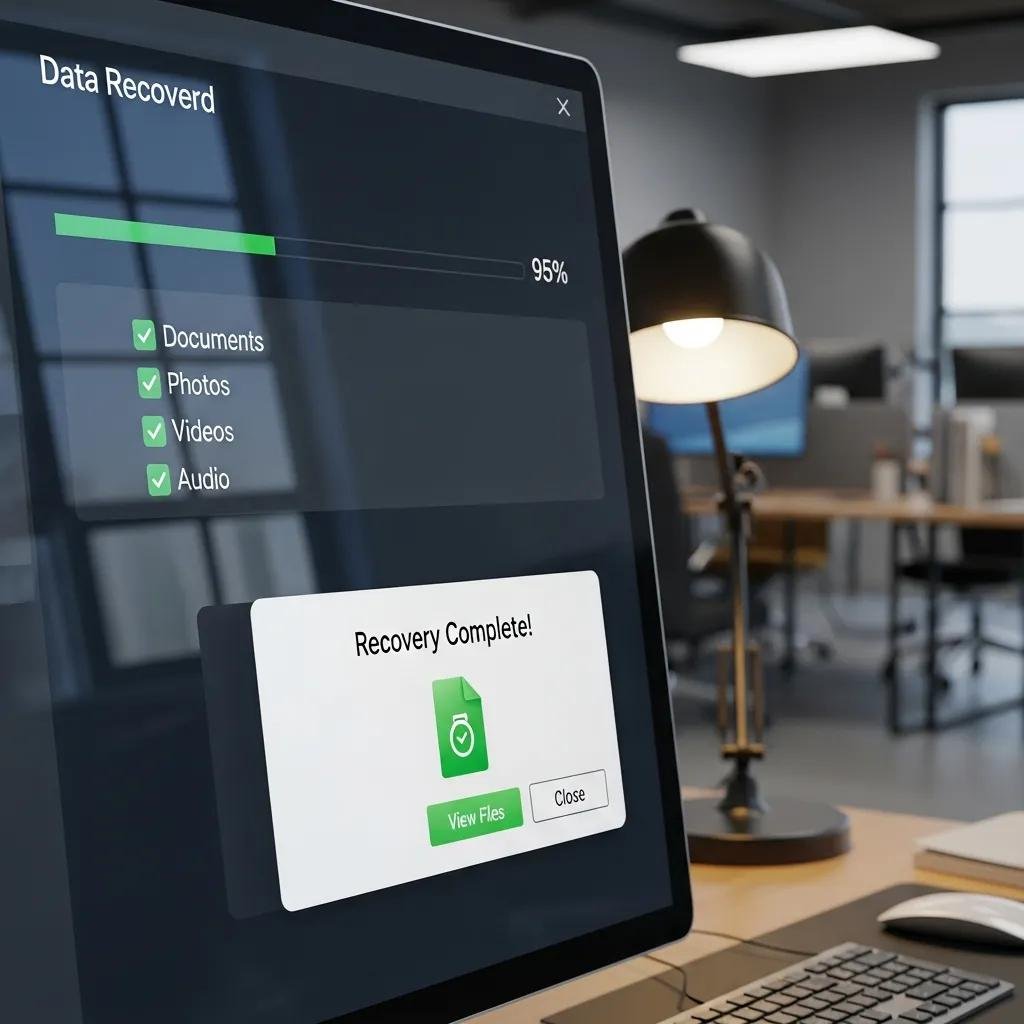
Remote recovery commonly addresses logical issues like filesystem corruption, accidental file deletion, partition table damage, and metadata errors by using specialized software modules for metadata repair and file carving. Tools such as filesystem checkers and file-carving utilities scan for intact data structures, recover deleted entries, or reassemble files from raw sectors on readable media. Success depends on overwrite status and extent of corruption; early intervention improves odds. If hardware-level symptoms (clicking heads, power faults) appear, remote efforts should stop and the user should be advised to seek physical lab services to avoid further damage.
Which Data Loss Scenarios Are Addressed by Remote Recovery Services?
Remote recovery services handle a range of logical data-loss scenarios where drives remain electronically accessible and sectors can be read or imaged over a network. These services excel at deleted file recovery remote, partition recovery remote, and many corrupt drive recovery cases when the device boots or can mount read-only. Remote ransomware data recovery remote is possible in some situations, particularly when encrypted files coexist with intact backups or when encryption affected only accessible files. Remote methods are not suitable for physical head crashes or severe platter damage, which require lab-grade hardware repair. The following list highlights common scenarios suitable for remote intervention.
- Accidental deletion of files on NTFS, HFS+, or APFS volumes where space has not been overwritten.
- Corrupted partitions or damaged partition tables that permit mounting or imaging.
- Logical ransomware incidents where isolated systems or available decryption/backups exist.
Introductory comparison of failure types and recommended remote feasibility:
| Failure Type | Remote Feasibility | Typical Next Step |
|---|---|---|
| Accidental deletion | High if not overwritten | Image volume and perform file carving |
| Filesystem corruption | Moderate to high when mountable | Create read-only snapshot, run repair tools |
| Ransomware (file-level) | Conditional; depends on backups/keys | Isolate, image, attempt restoration from backups |
| Mechanical failure | Low/Not feasible remotely | Recommend lab-based physical repair |
This table helps users quickly see whether a remote hard drive repair is likely to succeed. The comparison shows remote logical data recovery is effective for many software-level failures and suggests lab escalation when hardware faults exist.
How Does mcHelper.com Ensure Security and Confidentiality in Remote Recovery?
mcHelper.com applies industry-standard controls to protect confidentiality and integrity during remote hard drive data recovery, combining encrypted sessions, authenticated access, and strict data handling policies. Sessions begin only with user consent and temporary credentials; technicians use encrypted tunnels and limited-privilege accounts to minimize exposure. Recovered files are transferred via secure transfer channels, retained only as agreed, and deleted according to the provider’s retention protocol after verification. These controls create a secure remote hard drive repair environment while balancing access needed for recovery with privacy protections. Below is a compact EAV-style table showing specific security controls and their purpose.
| Control | Security Attribute | Description / Protocol |
|---|---|---|
| Encrypted tunnel | Encryption-in-transit | TLS/VPN protects data during remote file transfer |
| Temporary credentials | Least-privilege access | Short-lived access tokens limit technician rights |
| Audit logs | Accountability | Session logs and transfer records for verification |
This table demonstrates how security attributes map to protocols and user impact. The practices above help ensure secure remote file retrieval and form a basis for the protocols listed next.
What Secure Protocols Protect Data During Remote Recovery?
Secure protocols protect data during remote recovery by encrypting connections and using authenticated file-transfer methods adapted to the situation, such as SFTP, FTPS, or TLS-wrapped transfer channels. These protocols ensure that recovered files and diagnostic logs traverse a protected channel, preventing interception or tampering. User-side best practices include closing nonessential applications, granting only the specific access requested, and verifying recovered files via checksums or hashes after transfer. Employing these protocols reduces risk and preserves file integrity while enabling efficient remote recovery for both remote data recovery for Mac and remote data recovery for Windows environments.
How Does mcHelper.com Maintain Data Privacy and Integrity?
mcHelper.com maintains privacy through least-privilege technician access, mandatory session logging, and deletion of temporary copies once the customer verifies the recovery. Technicians operate under consent-based access, and transfer steps include verification hashes so users can confirm file integrity after retrieval. Data retention is limited to the period necessary for transfer and verification, with explicit procedures to remove residual copies. These combined technical controls and policies ensure recovered data remains private, auditable, and intact throughout the remote hard drive recovery process.
Why Choose mcHelper.com for Your Remote Hard Drive Data Recovery Needs?
mcHelper.com offers 24/7 remote computer repair and tech support for Mac and Windows users, including secure remote data recovery services that prioritize convenience and speed. Their remote delivery model removes the need to ship drives, letting technicians begin diagnostics immediately and reducing downtime through online disk recovery methods. The company emphasizes security, a “No Fix – No Fee” policy for qualifying remote recoveries, and affordable subscription options for ongoing support. The value proposition is straightforward: expert remote hard drive data recovery, around-the-clock access, and transparent pricing that limits financial risk for users.
mcHelper.com’s advantages include:
- 24/7 availability that enables immediate triage and faster recovery starts.
- Cross-platform expertise in remote data recovery for Mac and Windows systems.
- A No Fix – No Fee policy that aligns payment with successful outcomes for qualifying cases.
These benefits make remote recovery a practical first step for many logical failures, and mcHelper.com’s model is designed to provide secure remote assistance that complements in-lab options when physical repair is required.
What Are the Benefits of 24/7 Remote Data Recovery Support?
24/7 remote support reduces downtime by enabling immediate diagnostics and fast initiation of recovery steps regardless of time zone or business hours. Rapid triage helps preserve data by limiting further changes to affected volumes and allows technicians to begin imaging or snapshot creation at the earliest opportunity. Continuous availability is especially useful for businesses operating outside standard hours or for individuals who discover data loss during off-peak times. Faster starts often translate to higher success rates in deleted file recovery remote and other logical recovery scenarios.
How Does the No Fix - No Fee Policy Work?
Under the No Fix – No Fee concept for qualifying remote logical recoveries, customers are not charged when technicians cannot recover data via remote methods; diagnostic and recovery fees apply only when files are successfully retrieved. The policy typically excludes physical lab repairs, which carry separate costs and processes. Customers receive an upfront explanation of potential costs and a clear estimate before work proceeds, ensuring transparency about when a fee will be charged versus waived. This alignment of payment to outcome reduces financial risk and encourages prompt engagement when logical recovery is plausible.