Best Gaming Headsets: Wired vs. Wireless Comparison for Optimal Gaming Experience
Choosing the right gaming headset—wired or wireless—depends on measurable trade-offs in latency, audio fidelity, comfort, and platform compatibility. This guide explains those differences, shows how latency and codecs affect competitive play, and walks through practical troubleshooting steps for both wired and wireless gaming headsets. Gamers will learn when to prioritize a low-latency wired connection, when modern wireless can match performance, and how to fix common issues like static, mic problems, disconnections, and audio lag. The article is organized into clear sections: a side-by-side comparison with a quick EAV table, advantages and troubleshooting for wired headsets, benefits and fixes for wireless models, and a decision framework that maps platform and playstyle to headset choice. Throughout, terms like surround sound headset, low latency wireless gaming headsets, and gaming headset driver issues Windows 11 are used so you can apply these concepts to PC, console, and mobile setups.
What Are the Key Differences Between Wired and Wireless Gaming Headsets?
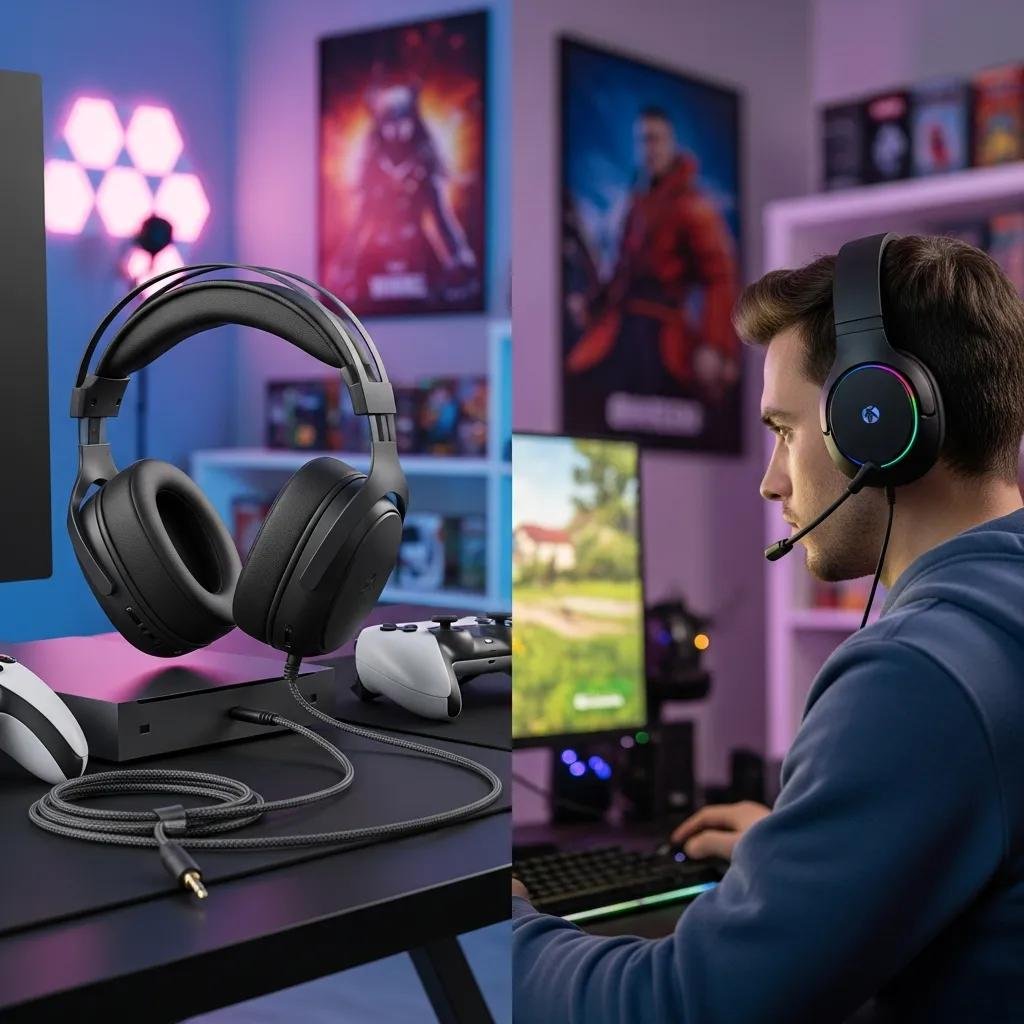
Wired and wireless gaming headsets differ mainly in connectivity method, latency profile, power dependency, and troubleshooting complexity. Wired headsets use 3.5mm or USB connections to deliver near-zero latency and consistent power, while wireless headsets rely on Bluetooth or 2.4GHz dongles that introduce variable delay and require batteries. The result is that wired headsets excel for competitive, low-latency play, whereas wireless headsets prioritize freedom of movement and cleaner desk setups. Below is a compact comparison that highlights the primary technical contrasts and practical implications for gamers choosing between these hyponyms of audio equipment.
Key comparison highlights:
- Latency: Wired offers minimal input-to-audio delay; wireless varies by protocol.
- Power: Wired draws host power; wireless depends on battery and charging.
- Compatibility: Wired often works universally via analog/USB; wireless can need drivers or specific dongles.
- Troubleshooting: Wired issues tend to be physical/driver-based; wireless adds pairing and interference variables.
Different connectivity attributes across headset types:
| Connection Type | Characteristic | Typical Impact |
|---|---|---|
| Wired (3.5mm/USB) | Latency: near-zero | Best for competitive FPS and tight audio cues |
| 2.4GHz Dongle | Low-latency wireless | Good compromise for PC/console with dedicated receiver |
| Bluetooth | Multipoint convenience | Wider compatibility but codec-limited fidelity and higher latency |
How Does Latency Affect Gaming Performance in Wired vs. Wireless Headsets?
Latency measures the delay from in-game event to audible cue and directly influences reaction timing in competitive genres. Wired headsets typically deliver sub-millisecond to single-digit millisecond audio delay, creating effectively instantaneous feedback for shooters and rhythm games. Modern low latency wireless gaming headsets using optimized 2.4GHz protocols can approach single-digit milliseconds, but Bluetooth headsets often introduce higher delay depending on codec (aptX Low Latency improves this). For players who need the smallest possible input-to-audio gap, wired remains the baseline; testing with a pinged audio cue or controller vibration mapped to sound helps quantify perceptible lag.
Practical test steps and example:
- Play a game with precise audio cues and compare wired vs. wireless modes.
- Use an in-game FPS scenario to notice whether auditory cues precede or follow visual events.
- If you detect delay exceeding 10–20 ms in competitive settings, favor wired connections for predictable performance.
These tests make latency tangible and point toward whether a wireless headset’s freedom is acceptable for your playstyle.
What Are the Sound Quality and Comfort Differences Between Wired and Wireless Headsets?
Sound quality differences often relate to driver construction and transmission bandwidth: wired and USB headsets can carry full-resolution audio and surround sound metadata, while wireless headsets are constrained by battery-friendly codecs and available bandwidth. Drivers (software) and head unit meronyms like ear cups and headband materials influence perceived fidelity and long-session comfort. Bluetooth codecs such as aptX or LDAC can improve wireless fidelity, but a surround sound headset using a USB connection usually offers more consistent spatial audio and virtual surround processing for immersion. Comfort trades off weight, clamping force, and breathability; wireless models sometimes add battery weight on the ear cups, which affects thermal comfort over long sessions.
Comfort checklist and codec note:
- Drivers and ear pads impact frequency response and passive isolation.
- Wireless codec selection affects bitrate and perceived clarity.
- Consider memory-foam ear cups and adjustable headbands for marathon play.
These ergonomics and codec distinctions inform whether you prioritize immersive surround sound headset setup or the mobility of wireless gaming headphones.
What Are the Advantages and Common Issues of Wired Gaming Headsets?
Wired gaming headsets offer predictable audio performance, near-zero latency, and simpler compatibility across PC and consoles. The lack of a battery or wireless stack means fewer moving parts and often lower price for high-quality drivers, which makes wired models attractive for competitive players or those who prefer a surround sound headset setup via USB soundcards. Common issues include cable damage, connector corrosion, static, one-sided audio, and driver conflicts in modern operating systems. Below is a concise list of wired benefits followed by typical problems and quick fixes to try before escalating to professional support.
Wired headset advantages:
- Near-zero latency and stable audio timing.
- No battery management; consistent power and volume.
- Broad compatibility via 3.5mm or USB interfaces.
Common problems and quick fixes:
- Static or crackling: Check jack seating and try a different port or cable.
- One-sided audio: Inspect cable for bends, test with another device to isolate hardware vs. software.
- Mic not detected: Verify OS device selection and update headset drivers.
After these DIY steps, complex driver or OS-level issues may warrant expert remote assistance. mcHelper.com provides remote diagnosis and fixes for driver conflicts, OS audio configuration, and device detection on Mac and Windows platforms; their 24/7 technical support can resolve persistent wired-headset problems under a “no fix – no fee” guarantee.
Why Choose a Wired Gaming Headset for Zero Latency and Reliability?
A wired gaming headset reliably minimizes input-to-audio delay and reduces variables during competitive play, delivering consistent spatial cues and easier synchronization with surround sound headset setups. This reliability stems from a direct electrical or digital link that bypasses wireless packetization and battery states, which can fluctuate. Competitive gamers and streamers often prefer wired USB headsets because they also expose driver-level features like virtual surround processing and equalization for precise audio staging. Choosing wired simplifies troubleshooting—faults are frequently limited to cable, connector, or driver layers—so you can iterate through fixes predictably.
Practical example and recommendation flow:
- For tournament play, pick a wired headset with stable USB audio and detachable cables.
- For consistent voice comms, wired mics avoid intermittent dropouts common in congested wireless environments.
- If you need platform-wide compatibility, a 3.5mm wired headset often ensures cross-console and mobile use.
This clarity about wired benefits leads naturally into concrete troubleshooting steps when issues appear.
How to Troubleshoot Common Wired Headset Problems Like Static and Mic Issues?
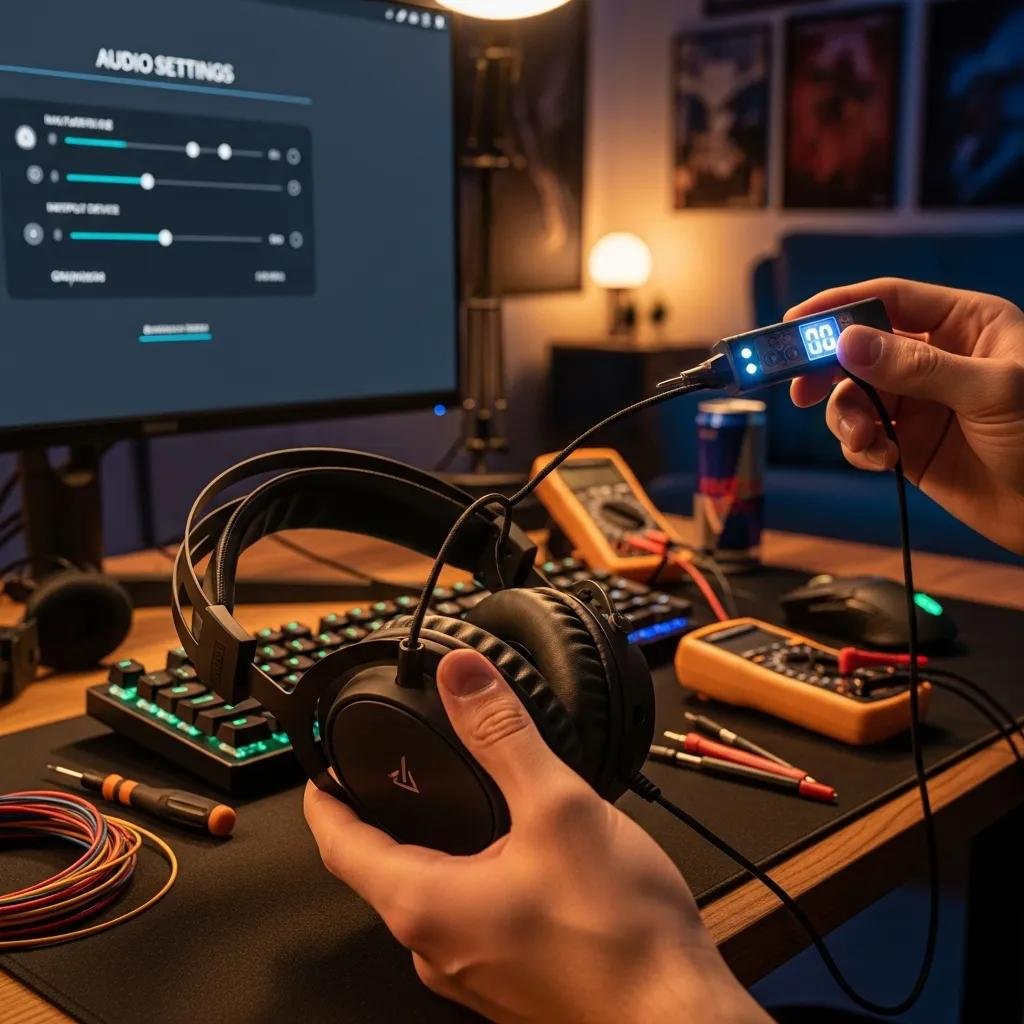
Start troubleshooting wired headset problems by isolating physical components, then move to software checks in a systematic sequence. First, inspect cables and connectors for visible wear, unplug and re-seat jacks, and test on a secondary device to determine whether the headset or host is at fault. Next, on Windows or macOS, confirm the correct audio device is selected, check sample rates, and update or reinstall audio drivers. If a microphone is quiet or not registering, verify in-app input selection and operating system privacy settings, and test with another mic or headset to narrow the issue.
Step-by-step checklist:
- Physical check: Cable, jack, and connector integrity; try alternate ports.
- System settings: Default device selection, sample rate, and mute states.
- Drivers: Update/reinstall headset drivers and USB audio controllers.
If these steps don’t resolve the issue, consider remote technical support for driver conflicts or OS-level audio troubleshooting—services that mcHelper.com offers for both Mac and Windows users, focusing on reliable diagnosis and resolution.
What Are the Benefits and Troubleshooting Tips for Wireless Gaming Headsets?
Wireless gaming headsets provide freedom of movement, cleaner setups, and easy switching for casual and living-room gaming, with multi-device connectivity via Bluetooth or dedicated 2.4GHz dongles. The benefits include cable-free comfort for couch play and mobile pairing for voice chat on the go, but trade-offs include battery life constraints, potential RF interference, and pairing complexity. Troubleshooting wireless headsets focuses on battery and power checks, reducing interference, re-pairing procedures, and ensuring firmware and drivers are current. Below is a practical how-to list to resolve common wireless issues before considering specialized support.
Wireless benefits summary:
- Freedom of movement and uncluttered desks.
- Multi-device pairing for console, mobile, and PC switching.
- Dedicated dongles can offer low-latency wireless performance.
Troubleshooting action list:
- Battery checks: Ensure sufficient charge and try wired mode if available.
- Re-pairing: Remove device from host and perform a fresh pairing cycle.
- Interference mitigation: Move away from Wi-Fi routers, microwaves, and other 2.4GHz sources.
After these steps, if you still experience disconnections or audio lag, advanced issues like firmware mismatches or receiver driver conflicts can be diagnosed remotely; mcHelper.com‘s technicians can assist with complex connectivity, dongle problems, and cross-platform driver updates when DIY steps fall short.
How Do Wireless Headsets Offer Freedom and Multi-Device Connectivity?
Wireless headsets use either Bluetooth or a proprietary 2.4GHz dongle to connect, each optimized for different use cases: Bluetooth prioritizes convenience and multi-point pairing, while 2.4GHz dongles typically prioritize lower latency and stable throughput for gaming. Bluetooth multi-point allows simultaneous connections to phone and console, which is ideal for mobile multitasking, whereas dongles often provide a dedicated, low-latency link to a PC or console but may limit easy device switching. For immersive surround sound headset setups on PC, a 2.4GHz link with a USB receiver often supports advanced spatial processing and customized EQ profiles.
Use-case examples:
- Couch console play: Bluetooth or console-compatible wireless solutions for ease of switching.
- PC competitive play: 2.4GHz dongle for minimal latency and consistent channel allocation.
- Mobile gaming: Lightweight Bluetooth headsets for portability and battery efficiency.
Understanding these behaviors guides selection between wireless headset types based on your primary devices and movement needs.
How to Fix Wireless Headset Issues Such as Disconnections and Audio Lag?
A focused troubleshooting sequence reduces downtime from wireless headset disconnections and lag: check battery and power state first, then address environmental interference and finally update firmware and drivers. Replace or fully charge the battery, test with a wired connection if available, and move the headset closer to the receiver to rule out range issues. Next, eliminate nearby 2.4GHz noise sources and switch USB ports for dongles to avoid shared controllers; on Bluetooth, remove device pairings and perform a clean re-pair. Finally, consult the manufacturer’s firmware notes and update the headset and dongle firmware where applicable.
How-to steps summary:
- Power: Fully charge and test battery health; swap cables if supported.
- Environment: Reduce RF interference, change channels if router is on 2.4GHz.
- Software: Re-pair devices and update firmware/host drivers.
If these steps don’t restore stable audio, professional remote support can identify driver-level conflicts or OS-specific issues and apply targeted fixes without on-site service.
How to Choose the Best Gaming Headset Based on Your Platform and Gaming Style?
Selecting the best gaming headset requires matching your primary platform and playstyle to headset connectivity, comfort, and microphone priorities. Competitive PC players should prioritize low-latency wired or 2.4GHz dongle headsets that support USB audio and surround sound headset setups, while console players may prefer wireless compatibility with official dongle support or reliable wired 3.5mm connections. Mobile gamers will value Bluetooth convenience and low weight. Budget considerations trade features for cost: entry-level wired headsets deliver latency and basic audio, mid-tier models add surround processing and better mics, and premium wireless headsets combine build quality with advanced codecs.
Decision checklist:
- Platform: Match headset type to PC, console, or mobile connectivity needs.
- Playstyle: Prioritize latency for competitive play; prioritize comfort and battery for long casual sessions.
- Budget and features: Balance surround sound, mic quality, and materials against price.
Platform-to-recommendation mapping below translates these priorities into practical guidance.
| Platform / User Type | Recommended Headset Type | Key Reason / Consideration |
|---|---|---|
| PC (Competitive) | Wired USB or 2.4GHz dongle | Lowest latency and advanced driver features |
| Console (Couch/Streamer) | Wireless with official dongle or wired 3.5mm | Convenience and compatibility with in-console chat |
| Mobile / Casual | Bluetooth or lightweight wired | Portability and battery efficiency |
This table helps streamline your choice: competitive players favor wired/low-latency wireless, while casual or mobile users benefit from Bluetooth convenience. For help optimizing headset settings, configuring surround-sound software, or resolving platform compatibility and driver issues on Mac or Windows, mcHelper.com offers 24/7 remote support and a “no fix – no fee” guarantee to assist when configuration hurdles remain.
- Assess your primary device and how often you move while gaming.
- Decide whether latency or mobility is your higher priority.
- Choose a headset with compatible connectors and comfort features for session length.
These steps and the mapping table should make selecting the best wired gaming headset or wireless gaming headphones more straightforward for your setup and style.