Boost Focus with Pomodoro Technique Apps: Best Pomodoro Apps and Productivity Timers for Enhanced Focus
The Pomodoro Technique is a time-tested time management system that uses short, focused work intervals to sharpen attention and reduce fatigue. This guide explains how the method works, why it improves concentration, and which pomodoro timer and focus apps deliver the best results for different needs in 2024. Readers will learn core intervals and psychological mechanisms, a buyer’s checklist for app features, curated app recommendations for students and professionals, and practical setup and integration steps for steady productivity. Many people lose momentum to distractions, slow devices, or ill-suited timers; this article shows how to pick and tune apps, combine them with time blocking tools, and troubleshoot common issues so sessions stay reliable. Sections cover the technique and benefits, feature priorities and a comparison table, top app picks with use-case mapping, and hands-on tips to maximize focus while noting when remote tech support can help keep apps running smoothly.
What is the Pomodoro Technique and How Does It Improve Focus?
The Pomodoro Technique organizes work into focused intervals separated by short breaks to reduce cognitive fatigue and restore attention. This method leverages attention restoration and chunking to make large tasks manageable and to lower decision fatigue, improving sustained concentration on demanding tasks. Practitioners typically use repeated work sprints followed by brief breaks to maintain momentum and measure progress, which also supports realistic task estimation. Understanding these mechanisms makes it easier to choose an app that enforces intervals and reports progress for continuous improvement.
What are the core principles and intervals of the Pomodoro Technique?
The standard Pomodoro cycle is a 25-minute work interval followed by a 5-minute break, with a longer 15–30 minute break after four cycles. These intervals create predictable windows for deep work and short recovery, enabling the brain to renew focus repeatedly rather than exhaust attention in long, uninterrupted sessions. Variations include longer work blocks for deep work or shorter sprints for high-intensity tasks, and customizing intervals is common for study sessions or creative work. Try a sample two-hour block with three 25/5 cycles and a 20-minute long break to test what pacing best matches your attention span.
What are the key benefits of using the Pomodoro Technique for productivity?
The Pomodoro Technique improves concentration by creating clear, finite work periods that encourage present-moment focus and reduce multitasking impulses. It reduces burnout by enforcing regular restorative pauses that interrupt prolonged strain on attention and energy, which helps maintain sustainable output across the day. Additionally, it enhances task estimation and decreases procrastination since tasks are framed as achievable sprints, and progress during each sprint generates momentum. These benefits combine to make Pomodoro an effective tool for students, creatives, and knowledge workers seeking measurable productivity gains.
Which Features Should You Look for in the Best Pomodoro Apps?

Choose pomodoro timer apps that combine customizable timers, task linking, seamless cross-device sync, distraction blocking, and clear analytics to measure progress. These features translate time blocking tools into practical workflows: custom intervals adapt to different task types, task management ties sessions to priorities, sync preserves continuity across devices, and blocking tools prevent interruptions during work sprints. Prioritizing privacy and low resource use ensures reliable performance on desktop and mobile, while analytics help refine work habits over time. Testing a candidate app for memory and CPU use is advisable; for persistent performance or sync problems, consider contacting mcHelper.com for remote technical support to diagnose underlying issues.
Intro to feature checklist and quick comparison:
- Customizable Timers: Allow nonstandard work/rest lengths to match task intensity.
- Task Management: Link timers to projects or tags for accountability and reporting.
- Cross-Platform Sync: Keep sessions synchronized across phone, desktop, and web.
- Distraction Blocking: Temporarily restrict notifications and distracting sites.
- Analytics & Reporting: Track completed sprints and productivity trends.
This buyer’s checklist highlights the features that most directly improve daily focus and helps prioritize which apps to trial next.
Different Pomodoro apps vary by platform, cost, and standout capability; the table below compares typical options so you can quickly scan availability and strengths.
| App | Platforms | Standout Feature |
|---|---|---|
| Pomofocus | Web, iOS, Android | Minimalist interface for fast session start |
| Focus To-Do | iOS, Android, Desktop | Integrated task list + timer + reports |
| Forest-style apps | iOS, Android, Web | Gamified rewards to sustain streaks |
What Are the Top Pomodoro Apps for Different User Needs in 2024?
Selecting the right pomodoro timer app depends on whether you need all-in-one task management, gamified motivation, minimalist distraction, or robust time tracking for billing. For users who want comprehensive task lists, timers, and reports, an all-in-one app that integrates tasks and session analytics can replace multiple tools. Gamified apps help users who sustain focus with rewards and streaks, while minimalist timers suit quick sprints with no learning curve. Considering device compatibility, privacy settings, and resource use is essential before committing to a paid tier.
Which app is best for all-in-one focus and task management?
All-in-one apps combine task management with pomodoro timers and analytics to centralize planning, execution, and review in one interface. This approach reduces context switching because tasks, timers, and progress reports live together, which supports accurate time blocking and retrospective planning. Trade-offs include potentially higher complexity and occasional performance overhead on older machines. To assess suitability for legacy or corporate devices, run a short trial and check CPU/memory usage against expectations; if apps behave poorly, remote technical support can help optimize system settings.
What are the best gamified Pomodoro apps for motivation?
Gamified Pomodoro apps use mechanics like planting virtual trees, earning rewards, or preserving streaks to convert focus sessions into motivating progress loops. These apps are effective for users who respond to visual incentives and social sharing of progress, and they can make habit formation more engaging than plain timers. Downsides include potential distraction from the reward system itself and limited depth for time tracking needs. Gamified options are ideal for students and early habit-builders who need external reinforcement to maintain consistent time blocking routines.
| App | Best for | Style |
|---|---|---|
| Focus To-Do | Professionals needing reports | Task + Timer |
| Pomofocus | Minimalists | Simple timer |
| Forest-style apps | Habit builders/students | Gamified rewards |
This mapping helps you pick an app by primary use-case so you can test one that matches your motivation style and device constraints.
How Can You Maximize Your Focus Using Pomodoro Technique Apps?

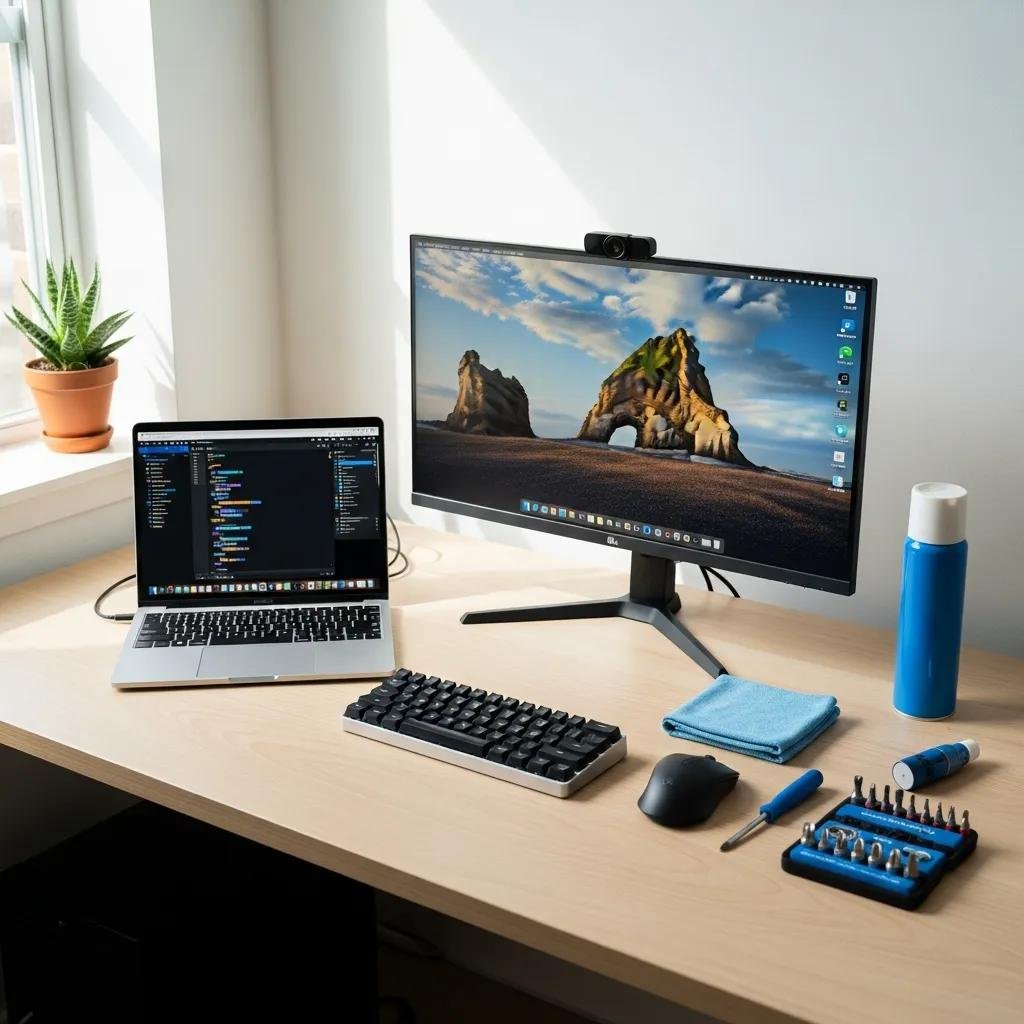
Maximizing focus with pomodoro apps requires intentional environment setup, interval tuning, and integration with calendars and task managers to make sessions sustainable. Environment tweaks—noise control, lighting, and ergonomics—reduce physical distractions while app settings manage digital interruptions through blocking and quiet modes. Integrating timers with calendar slots or task lists helps reserve uninterrupted windows and creates a coherent daily time blocking practice. When apps or devices lag, addressing system performance or malware can restore reliability; mcHelper.com offers remote computer repair and 24/7 technical support with a no fix – no fee policy to troubleshoot persistent performance, sync, or security issues that undermine focus.
What environment and interval customizations optimize Pomodoro effectiveness?
Optimize your workspace by minimizing ambient noise, improving lighting, and arranging tools within reach to reduce friction when starting sprints. Set intervals to match task type: shorter sprints for review or shallow tasks, longer blocks for deep work, and consistent long breaks after multiple cycles to reset attention. Build a short pre-session ritual (two deep breaths, checklist glance) to cue focus and a simple end ritual to log results and prepare the next sprint. Testing variations for a week and reviewing analytics reveals which schedule best sustains peak attention.
How to integrate Pomodoro apps with other productivity tools?
Link your pomodoro timer to calendar events and task managers to enforce dedicated time blocking and automate status changes during sprints. Common workflows include creating calendar blocks that launch timers, pushing completed pomodoros into time trackers for billing, and tagging tasks with sprint counts for progress measurement. Example automation: start a calendar event that triggers a timer and silences notifications until a long break, then logs session length to a task manager. If integrations fail, check permissions, background app refresh, or device resources; contacting remote support can resolve stubborn sync or permission issues efficiently.
| Issue | Symptom | Quick Fix |
|---|---|---|
| Sync failure | Sessions not updating across devices | Restart apps and check account sign-in |
| High CPU usage | App slows device, timers lag | Close background apps and reduce animations |
| Notification block not working | Interruptions during sprints | Verify notification permissions and blocking settings |
- Set a consistent start ritual: Trigger focus by repeating a brief routine before each sprint.
- Use analytics weekly: Review completed sprints to adjust intervals and priorities.
- Automate integrations: Link timers to calendar and task tools to reduce manual steps.
Applying these steps keeps Pomodoro practice resilient, measurable, and integrated into broader time blocking strategies so your focus apps deliver reliable productivity gains.