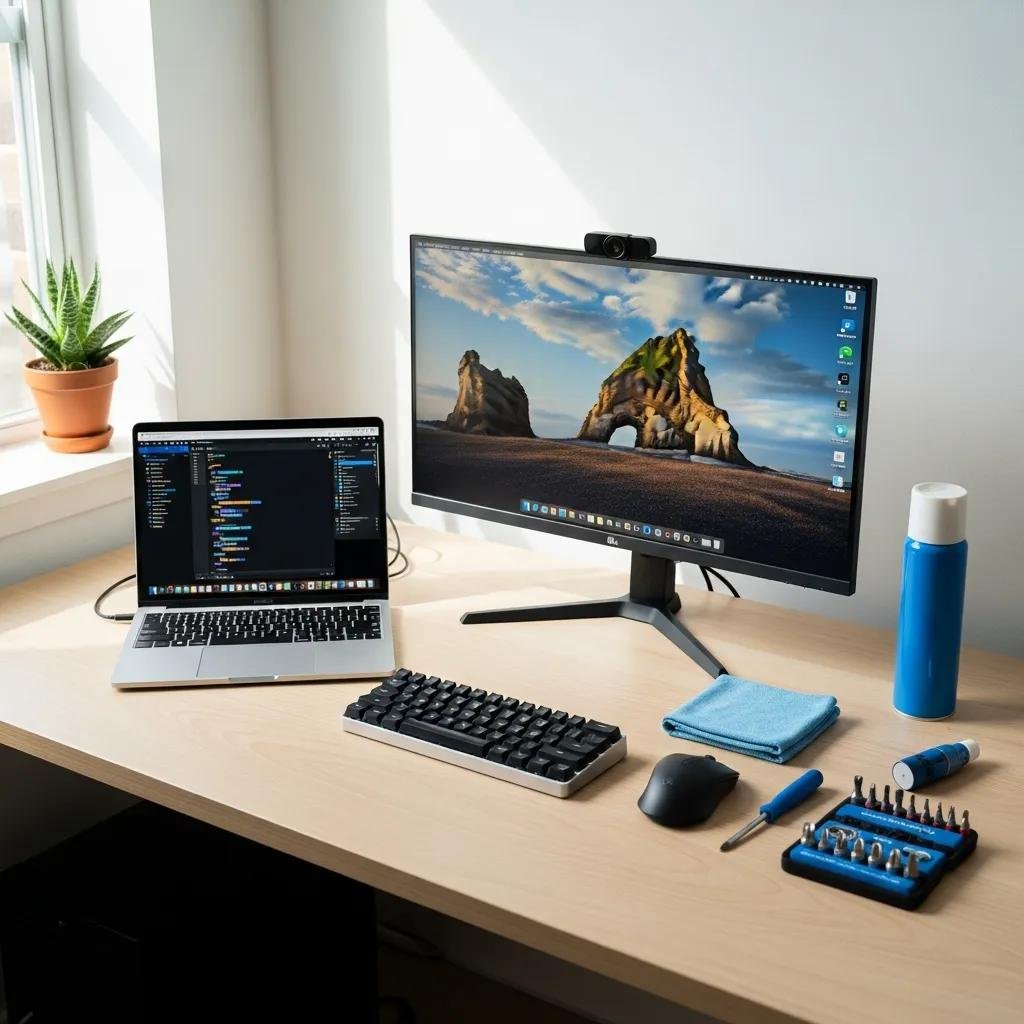
It may seem like such a short time since you got your new computer and now you find that you need to speed-up and optimize your computer already. It was so wonderful when you get your new computer. It ran so fast it and it never seemed to have any problems opening a program or a file. So, what happened?Just like a car, your computer needs regular maintenance to keep it operating at peak efficiency. Many things collect on a computer in its normal daily operation, especially one used all day in a business environment. When too many of these items collect on a computer, it starts to slow down and show signs of needing to be serviced. This will speed-up and optimize your computer.One type of item computers tend to collect is temporary files. These can come from Web pages or even when working on a text file, such as Microsoft Word. The program creates a temporary file to protect your work in case the program crashes before you have saved your work.These temporary files can build up and take up valuable memory on your hard drive. A disk cleanup utility can be used to free up space in your computer’s memory. Microsoft recommends running a disk cleanup utility once a week for the average user with a Windows-based PC.Other unnecessary items on a computer that take up valuable memory can include downloaded program files. This can include Java applets and ActiveX controls. A disk cleanup utility also can take care of these.