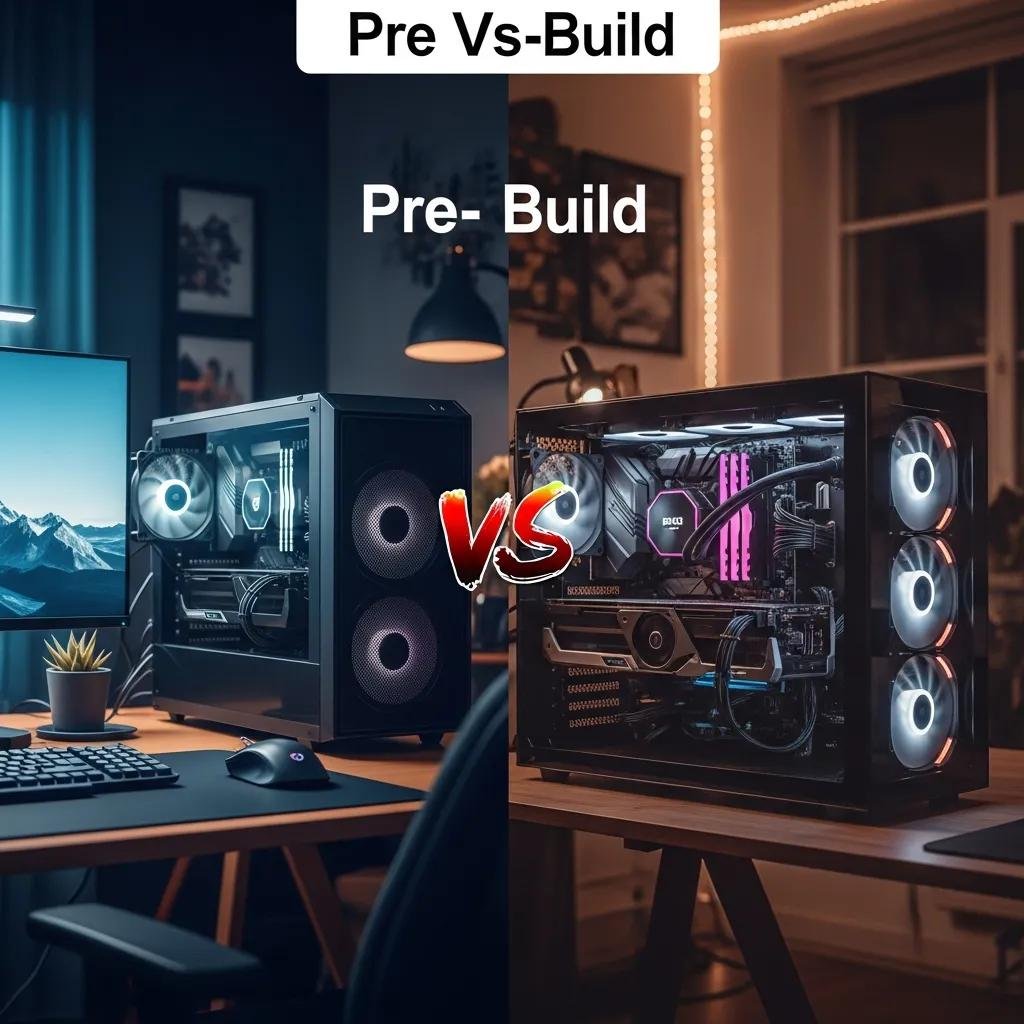
Pre-built vs. Custom PC: Which is Better for You? A Clear Guide to Choosing Your Ideal Desktop
Choosing between a pre-built PC and a custom build starts with clear definitions: a pre-built PC is a manufacturer-assembled desktop sold ready-to-run, while a custom PC is a system you or a builder assemble from individually selected components. This guide explains cost, performance, customization, warranty, and support factors to help you pick the right desktop computer choice for gaming, productivity, or general use. You will learn the trade-offs in upfront price and long-term value, how component choices affect gaming PC options and upgradability, and where technical support and warranties fit into the decision. The article maps four practical sections: core differences, cost and value comparison, performance and upgradability, and how support affects your choice. For readers who want ongoing help after purchase, mcHelper.com provides subscription-based remote technical assistance with 24/7 availability and a no-fix-no-fee promise, which can be useful for maintenance and troubleshooting whether you buy pre-built or custom. With that context, we’ll dive into what matters most so you can decide which desktop route fits your needs.
What Are the Key Differences Between Pre-built and Custom PCs?
Pre-built and custom PCs differ primarily in assembly, component choice, and level of vendor responsibility, which together shape convenience, customization, and support outcomes. Pre-built systems emphasize plug-and-play readiness and vendor-backed warranties, while custom PCs emphasize component selection, aesthetic control, and tailored performance tuning. These differences influence immediate availability, initial cost, and future upgrade flexibility, so understanding them helps align a purchase with your priorities. Below are concise pros and cons to frame the decision before we examine warranties and customization in detail.
Pre-built and custom desktops each offer trade-offs you should weigh before buying; the next subsection examines convenience and warranty benefits common to pre-built systems and why they matter for many buyers.
How Do Pre-built PCs Offer Convenience and Warranty Benefits?
Pre-built PCs deliver convenience through factory assembly, preinstalled operating systems, and vendor-tested configurations that work out of the box. This plug-and-play setup saves time and reduces the learning curve for users who prefer immediate use rather than troubleshooting compatibility or assembly issues. Manufacturer warranties typically cover the whole system and sometimes include on-site or depot service, which simplifies repair logistics compared with component-level claims. Downsides include potential bloatware, proprietary parts that limit upgrades, and markup for assembly and warranty coverage; these trade-offs are worth considering when convenience and simplified support top your priorities.
Typical warranty terms for pre-built systems often include limited hardware coverage, return windows, and service-level differences by vendor, which can influence total ownership cost and repair convenience.
What Customization and Control Do Custom PCs Provide?
Custom PCs provide full control over each component—CPU, GPU, RAM, motherboard, PSU, storage, case, and cooling—so you can optimize performance, thermals, and cost for your exact use case. This control enables selecting components with better cooling or quieter operation, choosing higher-quality PSUs for upgrade headroom, and tailoring the system for specific gaming PC options or content-creation workflows. The trade-off is responsibility: you or your builder handle compatibility decisions, assembly, and component warranties that are managed separately. Embracing customization rewards enthusiasts with a system aligned to priorities but requires time, research, and occasional troubleshooting when parts interact unexpectedly.
Choosing the right components leads naturally to a cost comparison, where upfront price and long-term value diverge between pre-built and DIY routes.
Pre-built vs Custom PC: Choose the Best Desktop for You
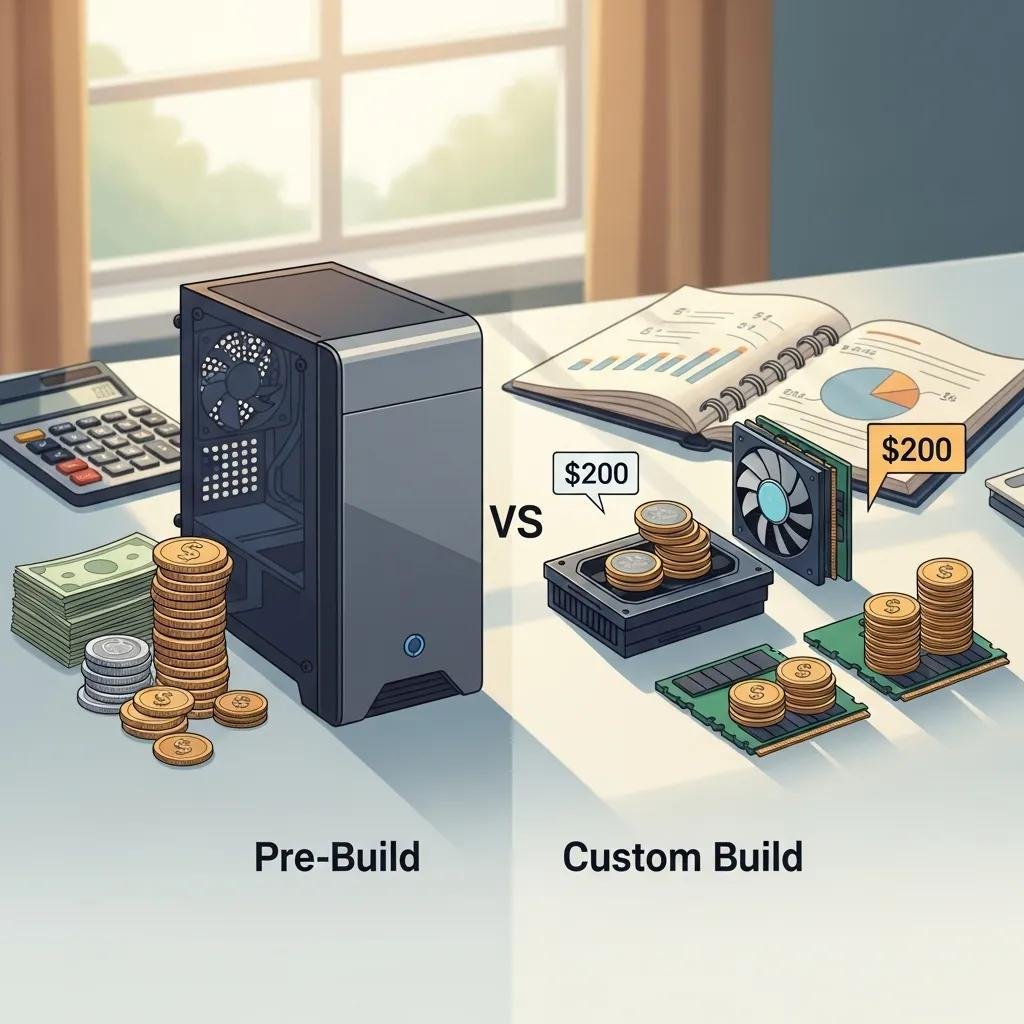
Cost comparison balances upfront component expenses, assembly or markup charges, and long-term ownership costs including upgrades and repairs. Building your own PC often reduces manufacturer markup and lets you allocate budget where it matters most, while pre-built vendors can sometimes offer competitive prices through bulk discounts or bundled deals. Long-term value depends on upgradeability and the availability of affordable support; factoring remote support subscriptions or occasional paid repairs will change lifetime cost-of-ownership calculations. The table below summarizes typical cost drivers to help visualize where money goes for each approach.
Different cost drivers determine whether pre-built or custom options deliver better value.
| Cost Driver | Characteristic | Typical Impact |
|---|---|---|
| Components | Parts cost based on market prices | Primary variable cost |
| Assembly/Markup | Labor, testing, and vendor margin | Adds 10–25% to component cost |
| Warranty | System-level vs. component-level coverage | Affects repair/return expenses |
| Software & Bundles | OS and preinstalled applications | May add perceived value or bloat |
When estimating savings, remember that current market conditions (component shortages or promotions) can swing the balance; the next subsection offers a quick rule-of-thumb about whether building is cheaper.
Is Building a PC Cheaper Than Buying Pre-built?
As a rule of thumb, building a PC is often cheaper at the mid and high end because you avoid assembly markup and target spending on the GPU/CPU where it matters most. Example savings vary with market conditions, but mid-range DIY builds can save roughly 10–20% compared with equivalent pre-built configurations when parts are available at retail prices. Exceptions occur during parts shortages, when bundled vendor deals or system integrators secure bulk pricing that undercuts individual purchases. Time cost, warranty convenience, and your confidence troubleshooting should factor into the decision because a lower parts bill can be offset by hours spent diagnosing or installing parts.
What Are the Hidden Costs of Pre-built PCs?
Hidden costs for pre-built systems include bundled bloatware that requires cleanup, proprietary connectors or nonstandard PSUs that complicate upgrades, and service fees for repairs outside warranty scope. Some vendors restrict upgrade paths by using custom-sized cases or unique cable layouts, forcing replacements rather than simple swaps for components like GPUs or PSUs. Shipping, restocking, and extended warranty add-ons also increase the total price of ownership beyond the sticker price. Planning for these potential extra expenses helps avoid surprises when you want to upgrade or service the machine later.
A clear view of hidden costs prepares you to evaluate performance and upgradability differences between system types.
What Performance and Upgradability Factors Should You Consider?
Performance hinges on core components—GPU, CPU, RAM, and storage—with cooling and motherboard capabilities determining sustained throughput and upgrade potential. For gaming PC options and productivity tasks, GPU and cooling are often the limiting factors, while CPU core count and memory speed shape content-creation and multitasking performance. Case size, PSU headroom, and motherboard socket/chipset choices directly affect future upgrades and compatibility, so select parts or pre-built models that leave room for growth. The EAV table below highlights common upgrade difficulty and compatibility constraints to guide decisions about future-proofing.
| Component | Upgrade Difficulty | Typical Constraint |
|---|---|---|
| GPU | Moderate | Case size and PSU connectors |
| CPU | Moderate–Hard | Socket and BIOS support |
| RAM | Easy | Motherboard DIMM slots |
| Storage | Easy | Available drive bays or M.2 slots |
| PSU | Moderate | Proprietary wiring or form factor |
Assessing these constraints helps predict which system type will better support your needs over time; now we compare gaming and productivity performance scenarios.
How Do Pre-built and Custom PCs Differ in Gaming and Productivity Performance?
Two systems with identical listed parts can perform differently due to cooling, BIOS tuning, and power delivery differences, which are more controllable in custom builds. Pre-built systems sometimes throttle under sustained loads if cooling is marginal, reducing performance in long gaming sessions or render workloads. Custom PCs allow targeted investment in cooling and case airflow to maintain peak performance and avoid thermal throttling. Benchmarks that matter include sustained frame-rate at target resolution for gaming and multi-threaded CPU tests for productivity; check real-world reviews rather than only spec sheets when comparing models.
Real-world testing points to another crucial topic: which systems make upgrades easier and which create future headaches.
Which PC Type Offers Better Upgradability and Future-proofing?
Custom PCs generally offer better upgradability due to standard connectors, roomy cases, and modular PSUs that simplify swapping parts, while many pre-built designs sacrifice modularity for aesthetics or compactness. Planning for future upgrades means choosing a motherboard with modern chipsets, a PSU with sufficient wattage and standard connectors, and a case with clearance for larger GPUs and cooling solutions. Pre-built restrictions can include proprietary cables or compact power supplies that force full-system replacements for what would be a simple component swap in a custom system. Designing or choosing with upgrade paths in mind maximizes long-term value and reduces replacement costs.
The support model you choose will also influence how easy it is to keep your PC running over time, which we’ll examine next.
How Does Technical Support and Ease of Use Impact Your PC Choice?

Warranty, manufacturer support, and access to reliable remote assistance shape the practical ownership experience and can sway buyers toward pre-built systems for ease of use. Manufacturer warranties typically cover full-system defects and streamline repairs, while custom builds require dealing with multiple component warranties and individual vendor processes. Third-party remote support fills many gaps by handling driver updates, performance tuning, malware removal, and pre- and post-upgrade configuration remotely. The table below contrasts typical support models and shows where remote services are most useful.
| Support Model | Scope | Best Use Cases |
|---|---|---|
| Pre-built Manufacturer Warranty | System-level, bundled service | Hardware defects, simple repairs |
| Component Warranties | Part-level, multiple vendors | Long-term component failure |
| Remote Support | Software, drivers, tuning, triage | Troubleshooting and configuration |
Understanding support scope helps choose the right purchase path; the next subsection explains warranty details and how remote services complement them.
What Warranty and Support Can You Expect from Pre-built vs. Custom PCs?
Pre-built systems often include a single warranty that covers system failures and may provide on-site or depot repair options, making claims simpler for non-technical users. Custom builds rely on individual component warranties—each part carries its own coverage period and claim process—which can be more time-consuming to manage but sometimes offer longer-term protection on high-quality parts. Warranties commonly exclude accidental damage and self-inflicted assembly errors, so you should verify what is and isn’t covered prior to purchase. Knowing these distinctions helps you plan for support and whether additional services are worth the investment.
After warranty basics, consider how remote support services can assist both system types in practical scenarios.
How Can Remote Support Services Like mcHelper.com Assist Both PC Types?
Remote services can streamline tasks that don’t require physical intervention: driver updates, software troubleshooting, malware removal, performance tuning, and post-upgrade configuration are all candidates for remote assistance. mcHelper.com, operating as a remote computer repair and technical support service established in 2015, offers subscription-based remote technical assistance with 24/7 availability and a no-fix-no-fee promise, making it a practical complement to either pre-built or custom systems. Using remote support reduces downtime, clarifies when an issue truly requires local hardware service, and can lower long-term ownership costs by avoiding unnecessary in-person visits. If you need help after purchase—whether for maintenance, troubleshooting, or upgrade guidance—remote support provides a convenient safety net without replacing hardware warranties.
Remote assistance closes the loop between your initial hardware choice and ongoing system reliability, and with that practical context the guide ends after the last provided heading.