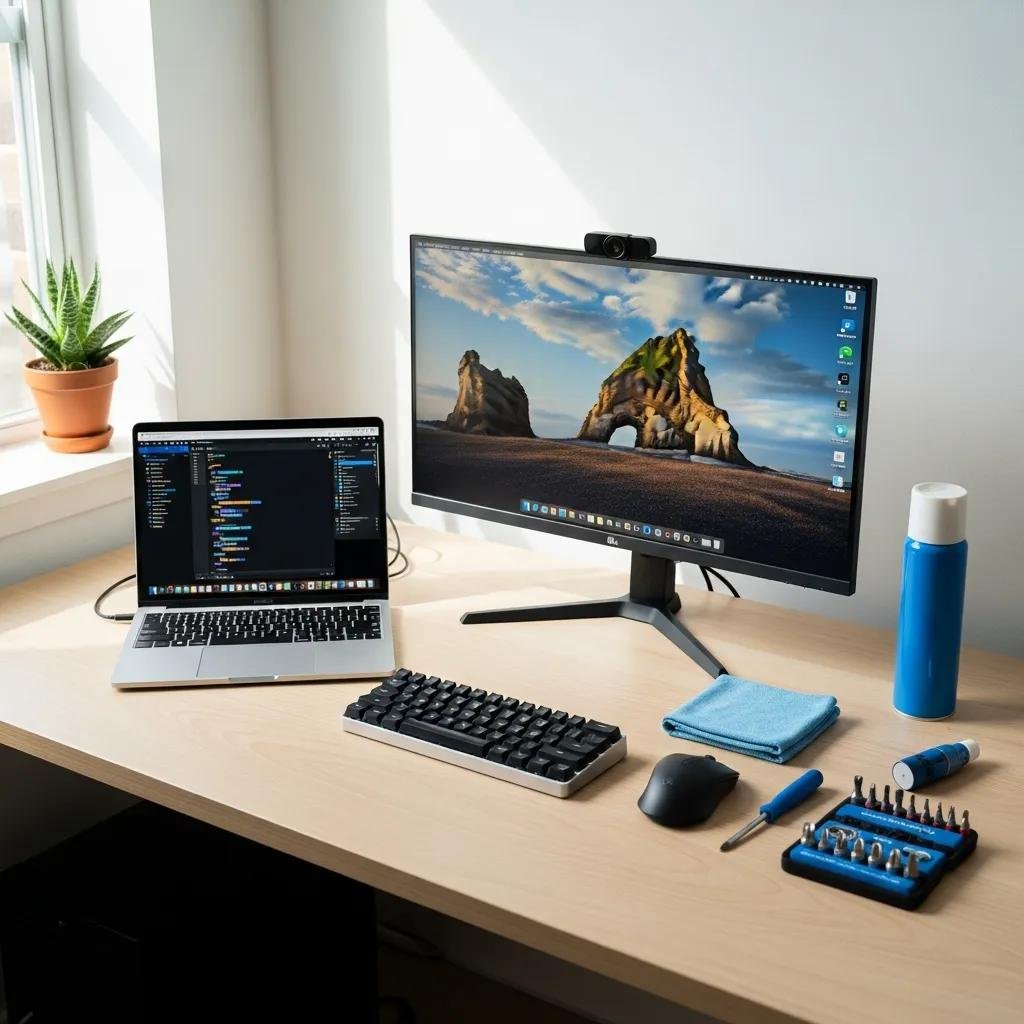

If you’re wanting to test the capabilities of a new CPU or one that has been overclocked, you don’t need to get computer tech support services. You can do it yourself with some software and a lot of time.
To test a CPU, you will want to do what is called a stress test or torture test. This is just like it sounds. It puts the CPU through an extreme workload to see if it will fail at some point.
The harder a CPU works, the more heat it generates. CPUs have heat sinks that dissipate heat and fans that cool them down, but under extreme conditions, they could still overheat. Other parts of a computer could overheat as well and not all of them will automatically shut down before they get fried, so it is important to monitor the temperature of the CPU and other critical parts of a computer.
You’ll need software that will monitor temperatures during the test. Both HWMonitor Basic and SpeedFan work well for this. Both are free and will display temperatures of critical systems.
You also will need software to perform the stress test. Your choices include OCCT and Prime95, which is a program that is actually designed to find Mersenne Prime numbers, but is so effective at stressing computers, it actually has a Torture Test mode in the program for those just wanting to do a stress test instead of search for Mersenne Prime numbers.